EN
8 – English
3
4
1
2
A B
A B C
2.5 Control unit installation
Proceed as follows to fasten the control unit:
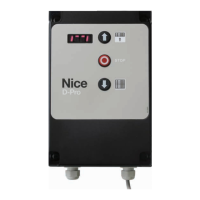
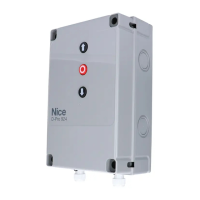
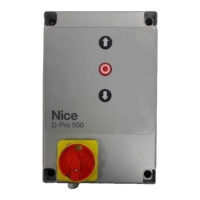
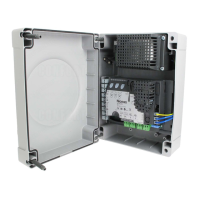
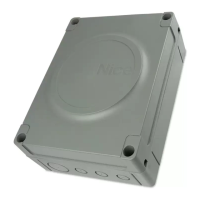
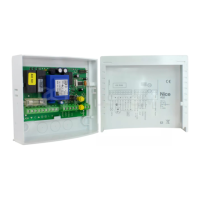
01. Open the control unit cover by unscrewing its fastening screws - g.3A or g.3B;
02. Prepare holes for the entry of electrical cables for the control and/or signalling accessories.
To maintain the IP protection rating, use a suitable tool (e.g. a hole cutter) and use the cable inlets already prepared at the bottom of the box. If necessary, the side
cable inlets can be used but only if suitable pipe ttings are used.
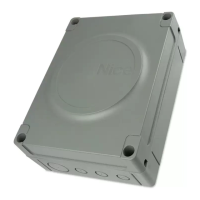
03. Fasten the control unit using one of the 3 possible methods:
g. 4A directly to the wall applying the screws from inside the box;
g. 4B using the standard supports provided;
g. 4C using the optional NDA100 kit. The NDA100 kit consists of 4 spacers and a protective cover for cable inlet into the control unit box. The NDA100
kit allows the cables to be routed behind the control unit (e.g. when the cable duct is external). The NDA100 kit allows the box to be fastened at a maximum
distance of 2 cm from the wall.
04. Make all the electrical connections (see chap. "3. ELECTRICAL CONNECTIONS" on p.12).
To install other devices in the automation, refer to their respective instruction manuals.


 To Next Page