SM-Applications Modules & Motion Processors User Guide 93
Issue Number: 4
Safety
Information
Introduction Installation
Getting
Started
Parameters
DPL
Programming
Communications
Freeze and
Marker
CTSync
Inter-option
Synchronization
Diagnostics
Migration
Guide
Quick
Reference
Index
8 Freeze and Marker
8.1 Freeze input
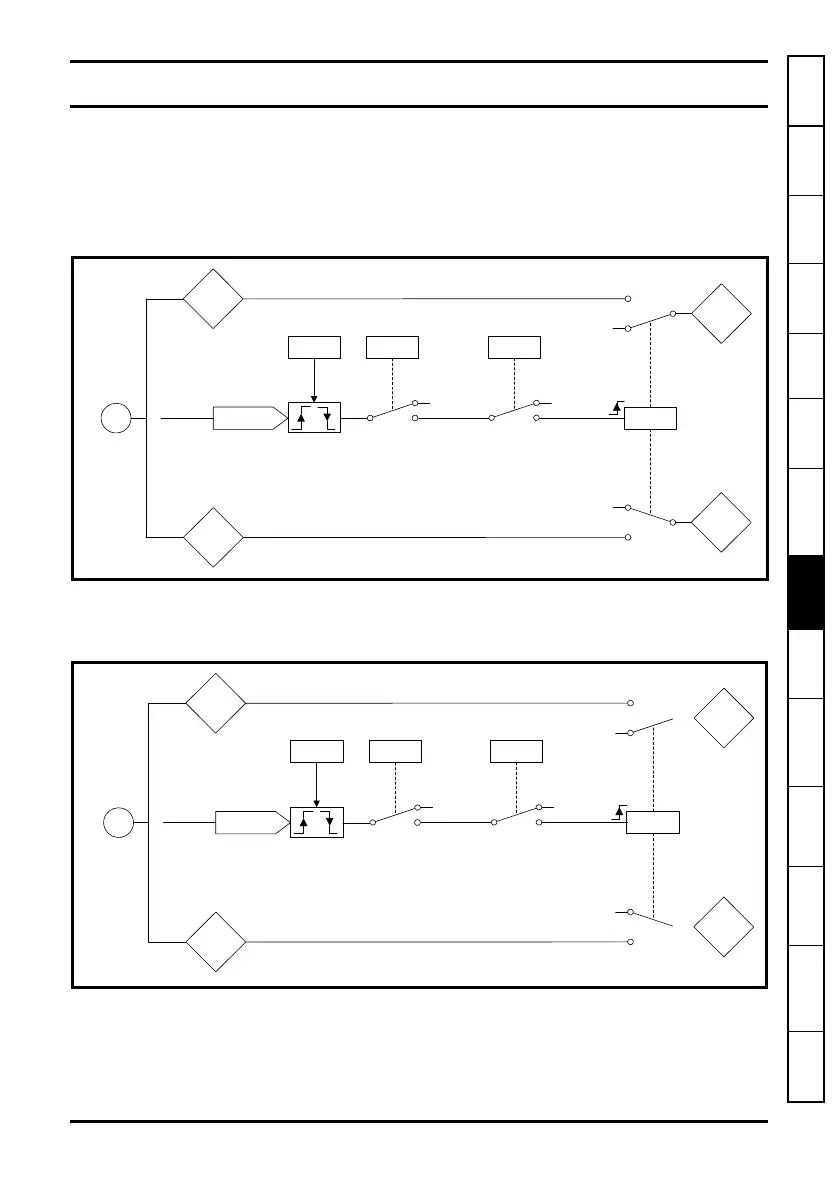
See Features section on pages 8, 9 & 10 for availability of Digital inputs on your module.
Digital Input 0 (DIGIN0) can be used to ‘freeze’ the reference and feedback encoder
counters.
Figure 8-1 SM-Apps/SM-Apps Plus/Digitax St Plus Reference Freeze Input
The encoder revolution counter is cached into Pr 90.30 and the encoder position is
cached into Pr
90.29.
Figure 8-2 SM-Apps/SM-Apps Plus/Digitax St Plus Feedback Freeze Input
The encoder revolution counter is cached into parameter Pr 90.20 and the encoder
position is cached into Pr
90.19.
Reference
encoder
E
Internal drive
encoder
position
counter
Freeze pulse
Internal drive
encoder
revolution
counter
DIGIN0
#81.43
Detection
select
0
1
#81.42
#90.47
0
1
#90.28
0
1
0
1
Set on detection
Reset to arm
freeze
#90.30
#90.29
Feedback
encoder
E
Internal drive
encoder
position
counter
Freeze pulse
Internal drive
encoder
revolution
counter
DIGIN0
#81.43
Detection
select
0
1
#81.42
#90.48
0
1
#90.18
0
1
0
1
Set on detection
Reset to arm
freeze
#90.20
#90.19



 To Next Page
 Loading...