E21
Editing Still Images
Reference Section
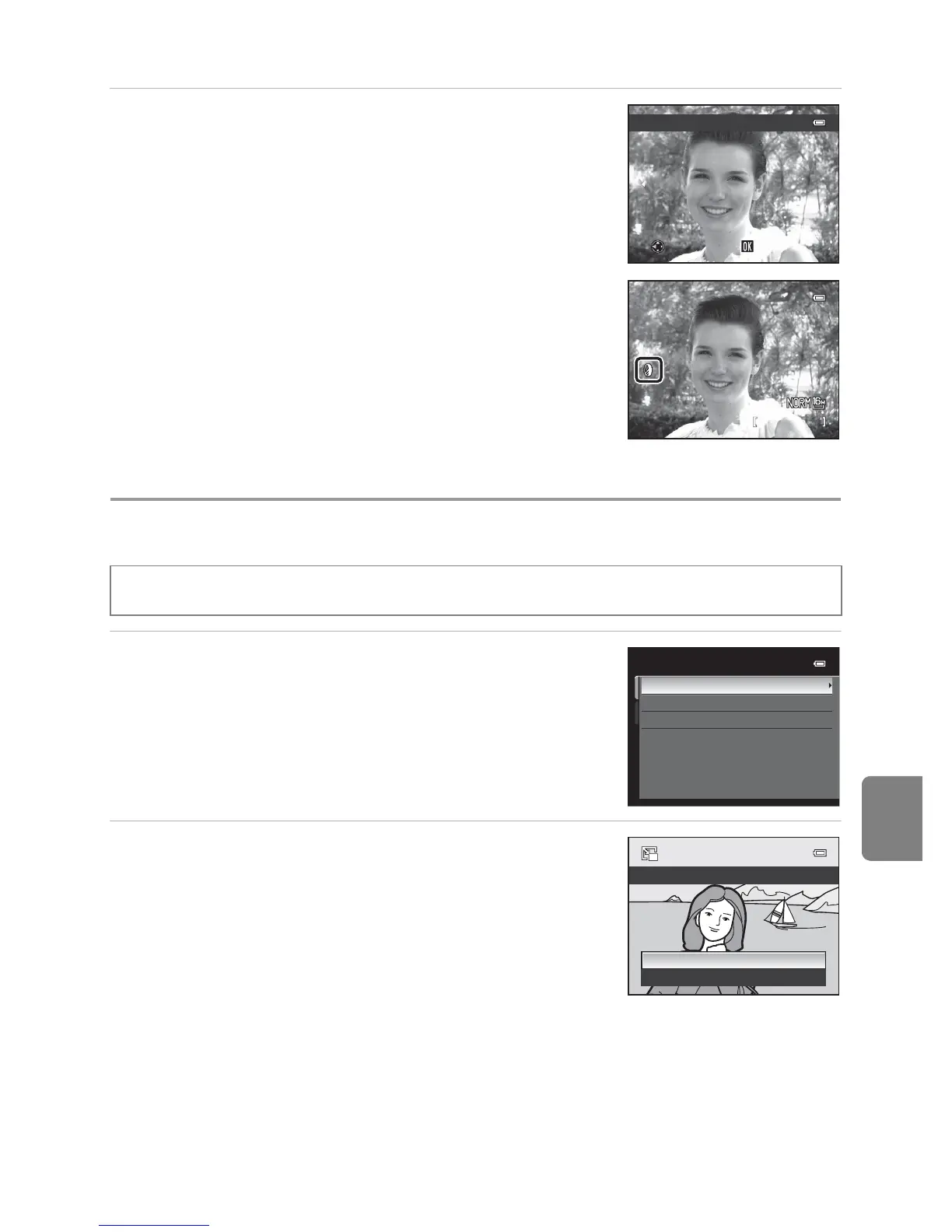
3 Confirm the result and press the k button.
• A new, edited copy is created.
• To cancel, press J.
• Copies created by editing with filter effects can be
recognized by the c icon displayed in playback mode.
g Small Picture: Reducing the Size of an Image
1 Press the multi selector H or I to choose the
desired copy size, and press the k button.
• The available sizes are 640×480, 320×240 and
160×120.
2 Choose Yes and press the k button.
• A new, smaller copy is created.
• Image quality is saved as Basic (compression ratio of
about 1:16).
• To cancel, choose No and press the k button.
• Copies created by editing with small picture editing
function are displayed with a black frame.
C More Information
See “File and Folder Names” (E94) for more information.
Select a picture (A30) M d button (A11) M g Small picture
Preview














 To Next Page