E87
The Setup Menu
Reference Section
Blink Warning
Choose whether or not blinking eyes are detected when using face detection
(A80) in the following shooting modes.
• In the following scene modes: Scene auto selector (A39), Portrait (A39)
or Night portrait (when Tripod is selected) (A41)
• Shooting modes A, B, C, D, i (when Face priority (E48) is selected for AF
area mode)
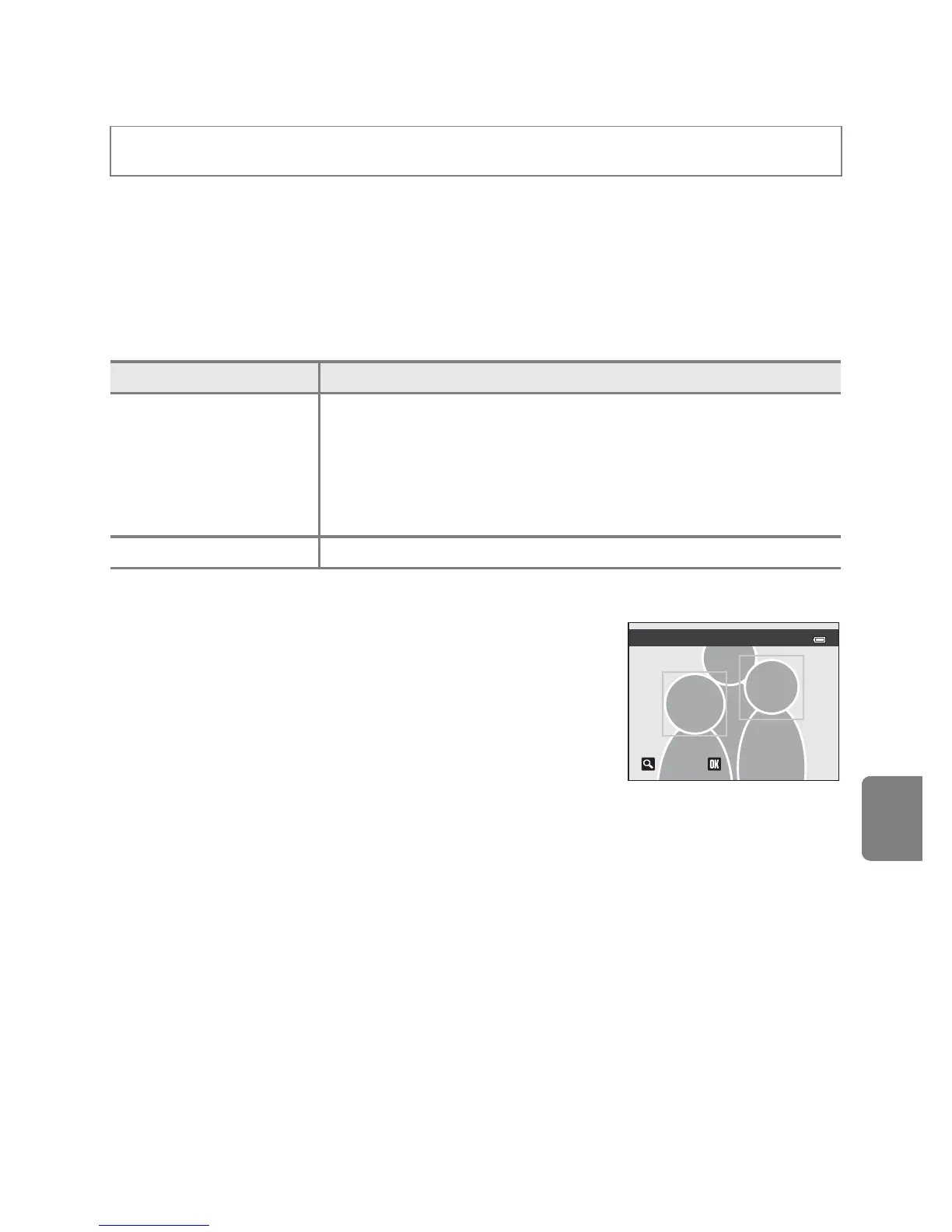
The Did someone blink? Screen
• To zoom in the face for which blinking was detected,
rotate the zoom control toward g (i). To return to
full-frame playback mode, rotate the zoom control
toward f (h).
• When the camera detects that one or more human
subjects have closed their eyes, press J or K during
playback zoom to display other faces.
• Press the l button to delete the picture taken.
• Press the k button or the shutter-release button to return to shooting screen.
• If no operations are performed for a few seconds, the screen automatically
returns to the shooting screen.
B Note on Blink Warning
This feature may not be used in combination with certain features. See “Features That Cannot Be
Used Simultaneously” (A75) for more information.
Press the d button M z tab (A11) M Blink warning
Option Description
On
The Did someone blink? screen is displayed on the monitor if
the camera detects that a human subject may have closed the
eyes immediately after taking a picture using face detection. The
face of the human subject that may have closed his/her eyes is
framed by a yellow border. You can check the picture taken and
determine if you need to take the picture again.
Off (default setting) The camera does not detect blinks.














 To Next Page