24
The Basics of Shooting and Playback
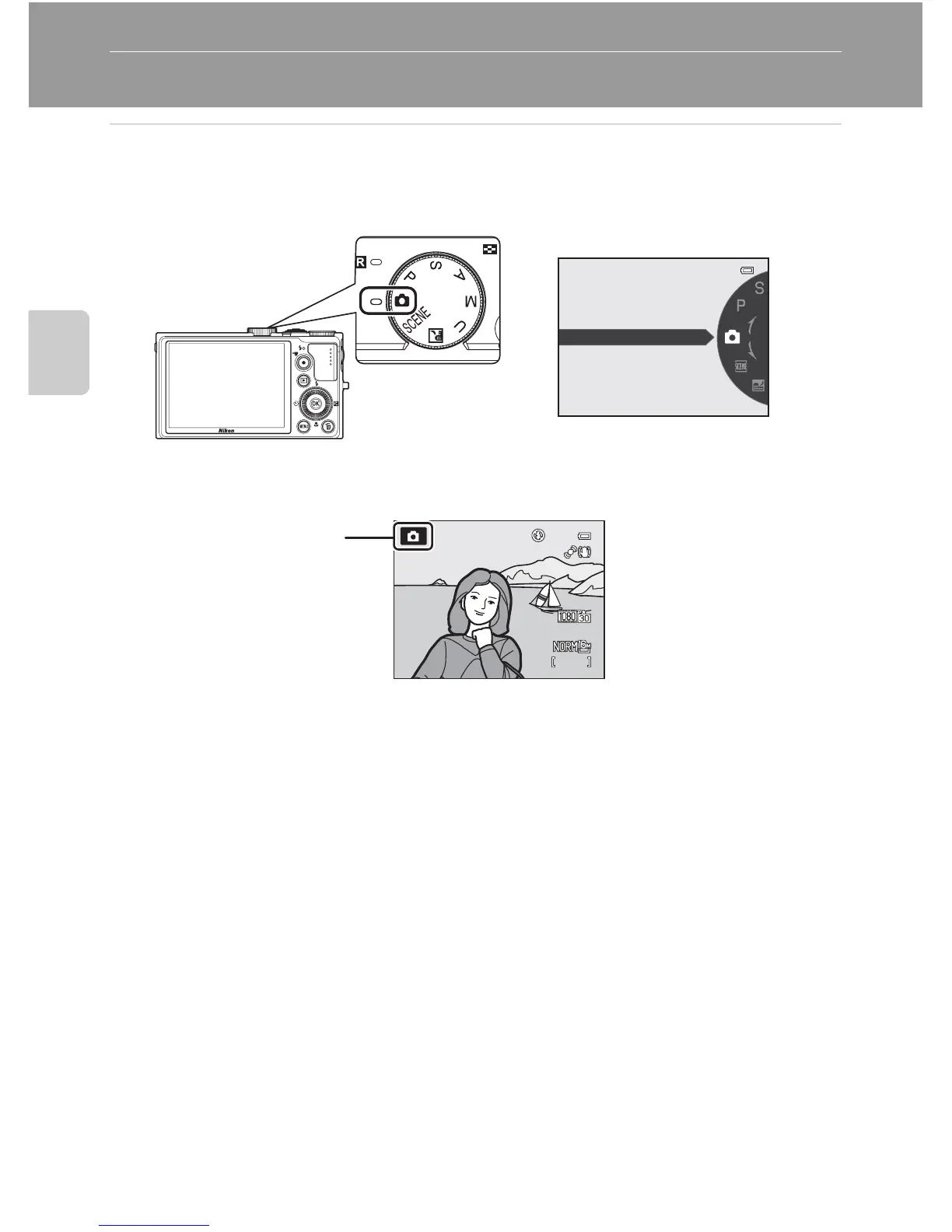
Step 2 Select a Shooting Mode
Rotate the mode dial to select the shooting mode.
• The following describes how to take pictures in A (auto) mode as an example.
Rotate the mode dial to A.
• The camera switches to A (auto) mode and the shooting mode icon changes
to A.
• See “The Monitor” (A6) for more information.
Auto mode
1/250














 To Next Page