10
Basic Operations
Parts of the Camera and Basic Operations
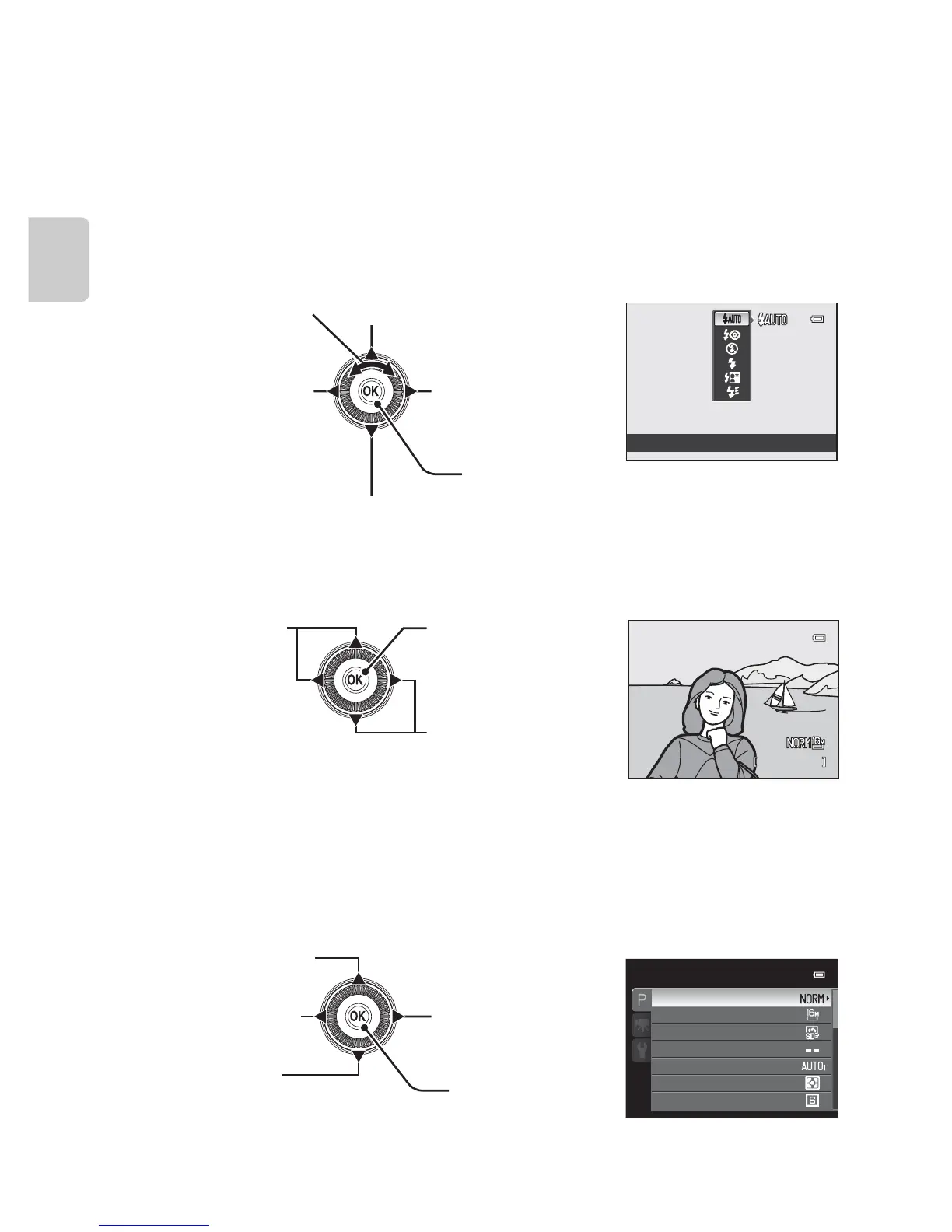
Using the Rotary Multi Selector
Operate by rotating the rotary multi selector, pressing up (H), down (I), left (J)
or right (K) on the rotary multi selector, or pressing the k button.
• The “rotary multi selector” is also referred to as the “multi selector” in this
manual.
When Using Shooting Mode
* The aperture value can be set in shooting mode C or D (A53).
Items can be chosen while a menu is displayed.
When Using Playback Mode
1
Previous or next images can also be chosen by rotating the rotary multi selector.
2
When displaying image thumbnail or when the image is magnified, this button switches the
camera to full-frame playback mode.
When Displaying Menus
* Items above or below can also be chosen by rotating the rotary multi selector.














 To Next Page