26
The Basics of Shooting and Playback
Step 3 Frame a Picture
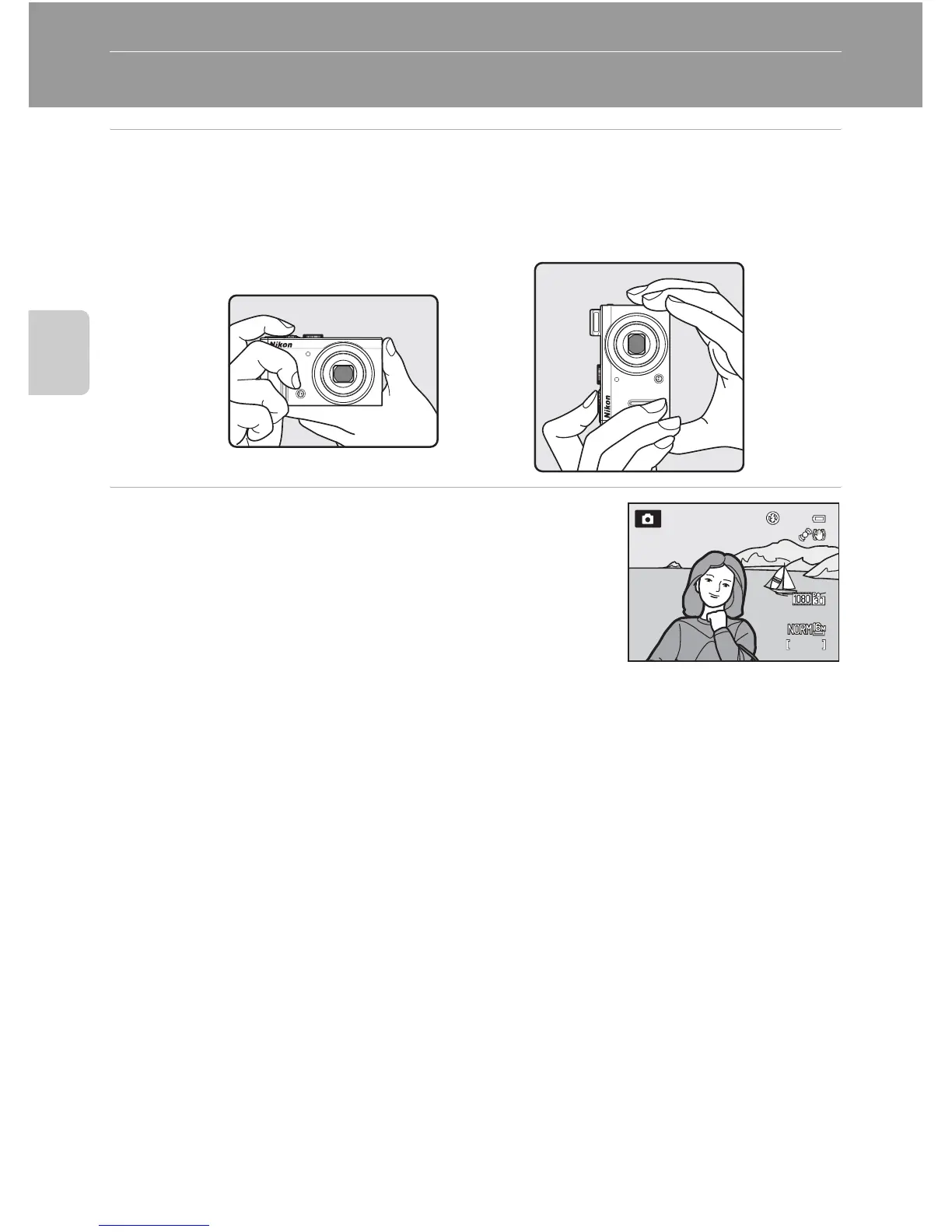
1 Ready the camera.
• Keep your fingers, hair, strap and other objects away from the lens, flash, AF-assist
illuminator and microphone.
• To shoot in the “tall” orientation, hold the camera so that the flash is above the lens.
2 Frame the picture.
• Point the camera at the subject.
C ISO Sensitivity
E (ISO sensitivity, A6) may be displayed on the shooting screen. When E is displayed, the ISO
sensitivity is automatically raised.
C Using a Tripod
• In the following situations, use of a tripod is recommended to avoid the effects of camera shake:
- When shooting in a dark location or with the flash mode (A60) set to W (off)
- When shooting in the telephoto zoom position
• To take a picture with the camera attached to a tripod, set Vibration reduction in the setup
menu (A98) to Off.
1/250














 To Next Page