66
Features That Can Be Set Using the Multi Selector
Shooting Features
Using Focus Mode
Choose a focus mode according to the desired scene.
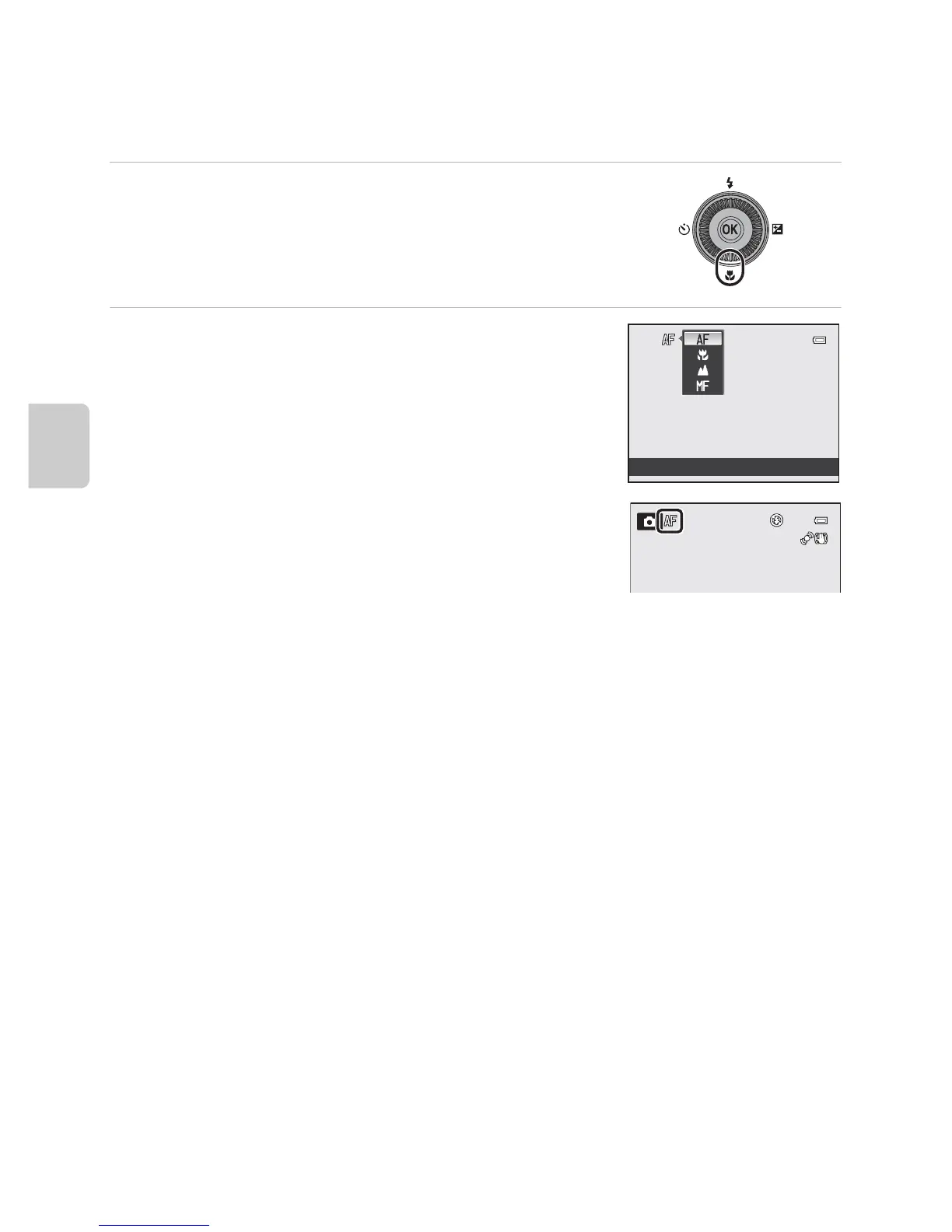
1 Press I (p focus mode) on the multi selector.
2 Use the multi selector to choose the desired
focus mode and press the k button.
• See “Available Focus Modes” (A67) for more
information.
• If the k button is not pressed within a few seconds,
the selection will be canceled.
• When A (autofocus) is applied, P is only displayed
for a few seconds regardless of Photo info settings
(A98).
Autofocus














 To Next Page