52
A, B, C, D Modes (Setting the Exposure for Shooting)
Shooting Features
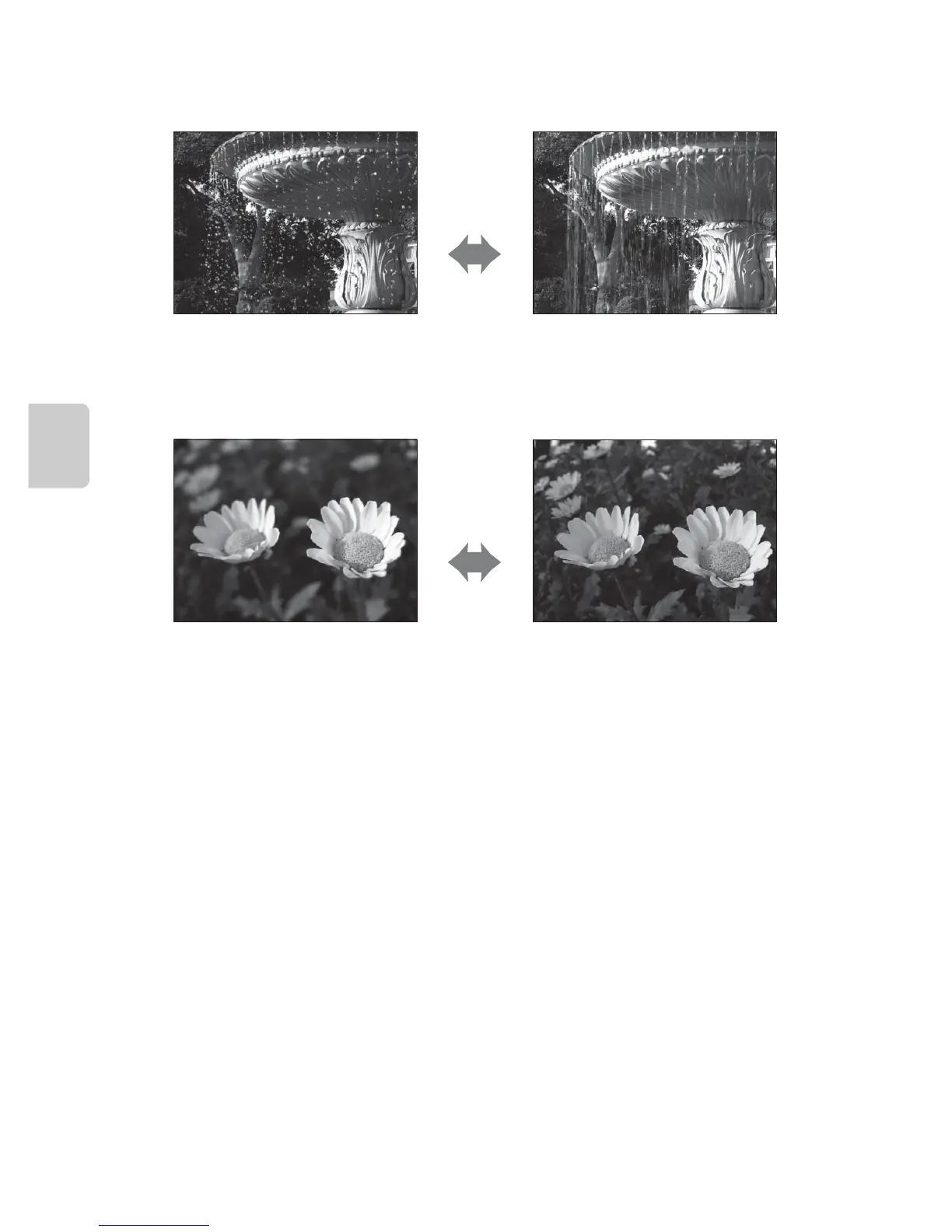
Adjusting the Shutter Speed
Adjusting the Aperture Value
C Aperture and Zoom
The aperture value (f-number) indicates the lens brightness. Large apertures (expressed by small
fnumbers) let more light into the camera, and small apertures (large f-numbers) let less light.
The aperture value of this camera zoom lens can be changed depending on the zoom position. The
largest aperture at the wide-angle position is f/1.8 and that at the telephoto zoom position is f/4.9.
C i (User Settings) Mode
Even when the mode dial is set to i (User settings) mode, you can shoot in A (Programmed auto),
B (Shutter-priority auto), C (Aperture-priority auto) or D (Manual). The setting combinations (user
settings) that are frequently used for shooting can be saved in i (A58).
Faster
1/1000 s
Slower
1/30 s
Larger aperture
(Small f-number)
f/1.8
Smaller aperture
(Large f-number)
f/8














 To Next Page