33
Step 6 Delete Unwanted Images
The Basics of Shooting and Playback
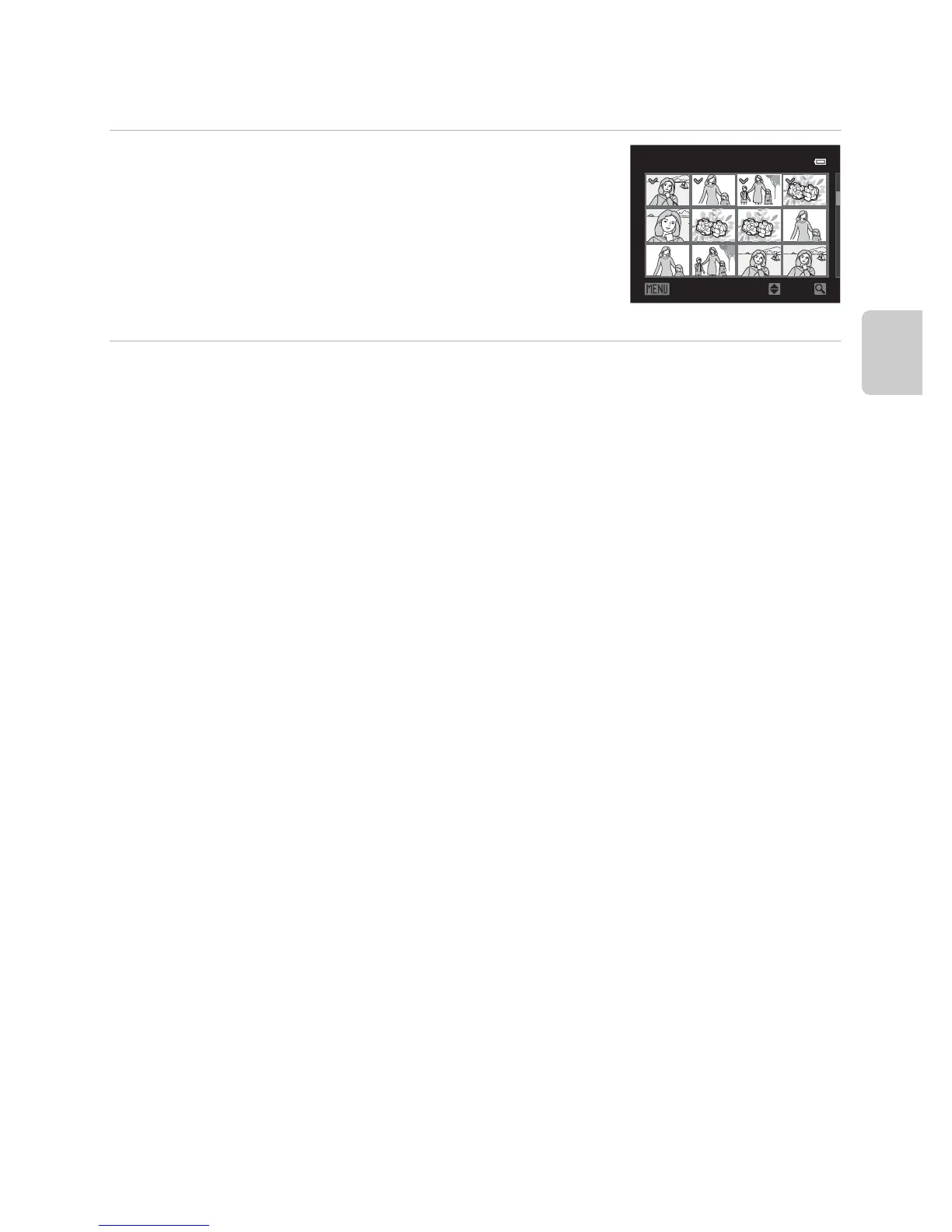
Operating the Erase Selected Images Screen
1 Press the multi selector J or K to select an
image to be deleted, and then press H to
display y.
• To cancel the selection, press I to remove y.
• Rotate the zoom control (A27) toward g (i) to
switch back to full-frame playback or f(h) to display
thumbnails.
2 Add y to all images that you want to delete and then press the k
button to apply the selection.
• A confirmation dialog is displayed. Follow the instructions displayed on the monitor.
ON/OFF
Erase selected images
Back














 To Next Page