46
Scene Mode (Shooting Suited to Scenes)
Shooting Features
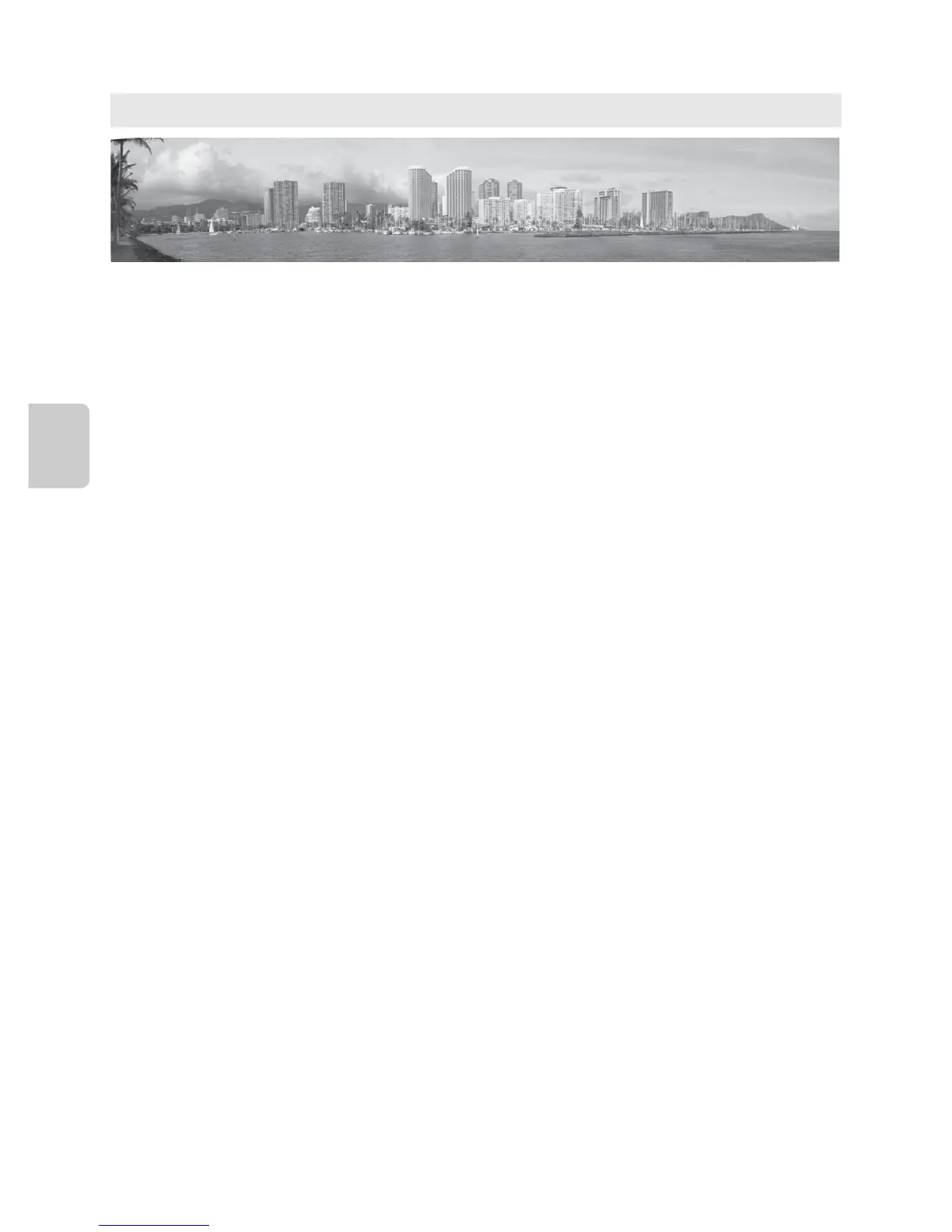
B Note on Printing Panorama Pictures
When printing panorama pictures, a full view may not be printed depending on the printer settings.
Additionally, printing may not be available depending on the printer.
For more information, see your printer’s manual or contact a digital photo lab.
y M p Panorama
Use this mode for shooting panorama pictures.
On the screen that is displayed when p Panorama scene mode is selected, select V
Easy panorama or U Panorama assist.
•Easy panorama (default setting): Shoots panorama pictures that can be played back on
the camera by moving the camera in the direction you want to create a panorama
picture.
- Shooting range can be selected from Normal (180°) (default setting) or Wide (360°).
- Press the shutter-release button all the way and release it, then slowly move the
camera in the horizontal direction. Shooting ends automatically when the selected
shooting range has been captured.
- When shooting starts, the camera focuses on the subject at the center area of the
frame.
- The zoom is fixed at the wide-angle position.
- Display the picture recorded with easy panorama in full-frame playback mode and
press the k button. The camera displays the short side of the picture filling the entire
screen and scrolls the picture automatically.
See “Taking Pictures with Easy Panorama” (E3).
• Panorama assist: Use this mode when shooting a series of pictures that can later be
joined on a computer to form a single panorama.
- Press the multi selector H, I, J or K to select the direction in which pictures are to
be joined and press the k button.
- After shooting the first picture, shoot the necessary number of pictures while
confirming the seams. To finish shooting, press the k button.
- Transfer taken pictures to a computer and use the Panorama Maker 6 software (A88,
E7) to join them in a single panorama. See “Using Panorama Assist” (E6) for more
information.














 To Next Page