- A ・ -
VBA18001-R.3719.A
logo�Q0440�forGraphic
070518�Gdesign�ito
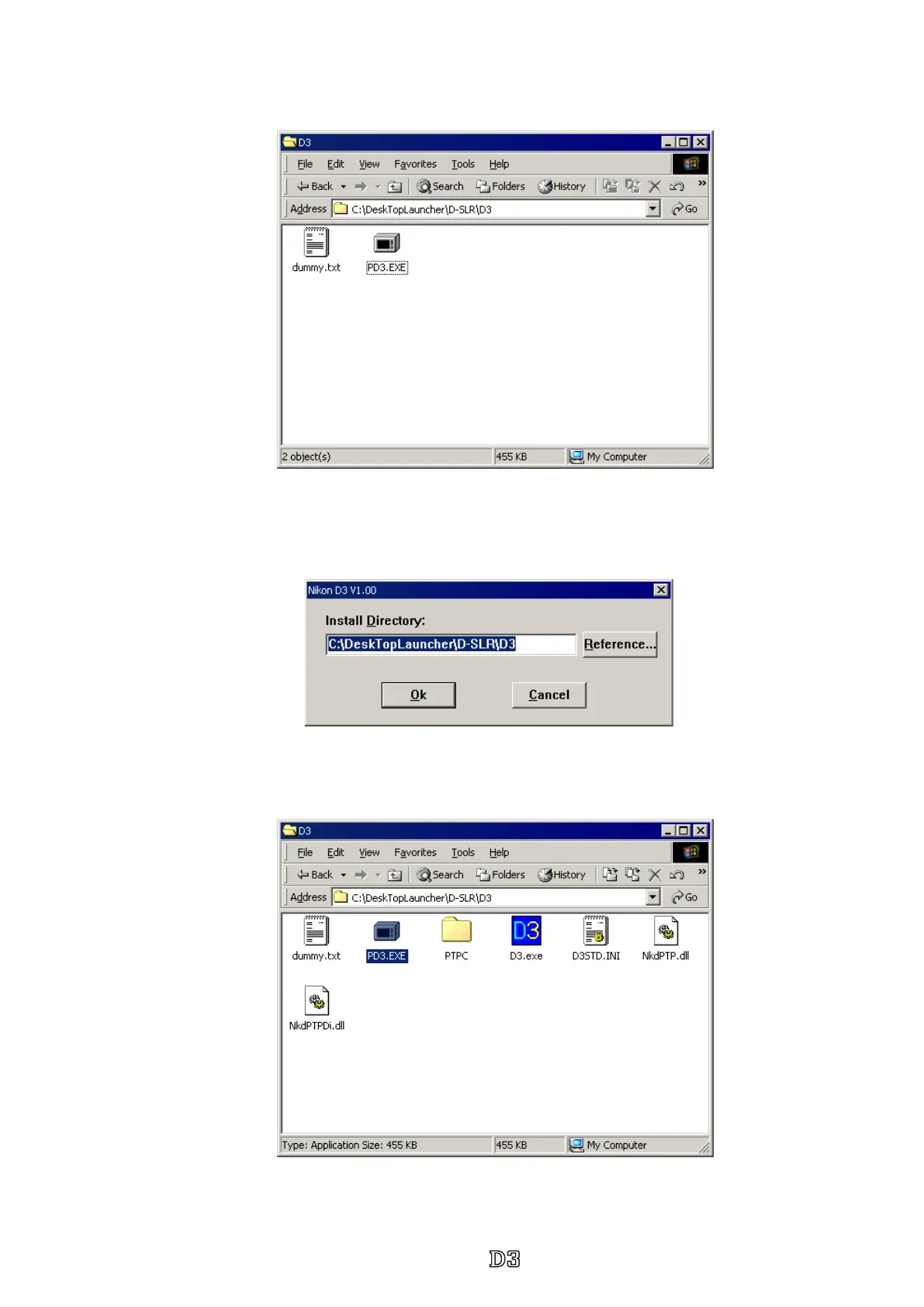
2. Paste the le (D3SOFT.EXE) in the created folder.
3. Double-click on the pasted le to display the following screen.
Press the OK button, then decompression starts.
5. The install is completed.
4. When the decompression of le is nished, the le (D3.exe) is created.



 To Next Page
 Loading...







