76
M: Manual
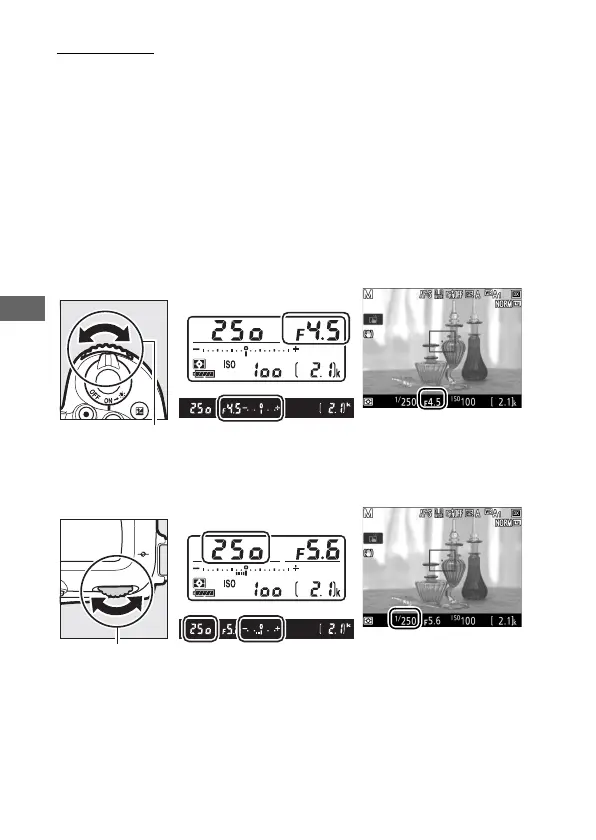
In manual exposure mode, you control both shutter speed and
aperture. While the exposure meters are on, rotate the main
command dial to choose a shutter speed, and the sub-command
dial to set aperture. Shutter speed can be set to “v” or to
values between 30 s and
1
/
8000 s, or the shutter can be held open
indefinitely for a long time-exposure (A or %, 0 79).
Aperture can be set to values between the minimum and
maximum values for the lens. Use the exposure indicators to
check exposure.
Aperture:
Shutter speed:
Sub-command
dial
Main command
dial



 To Next Page