205
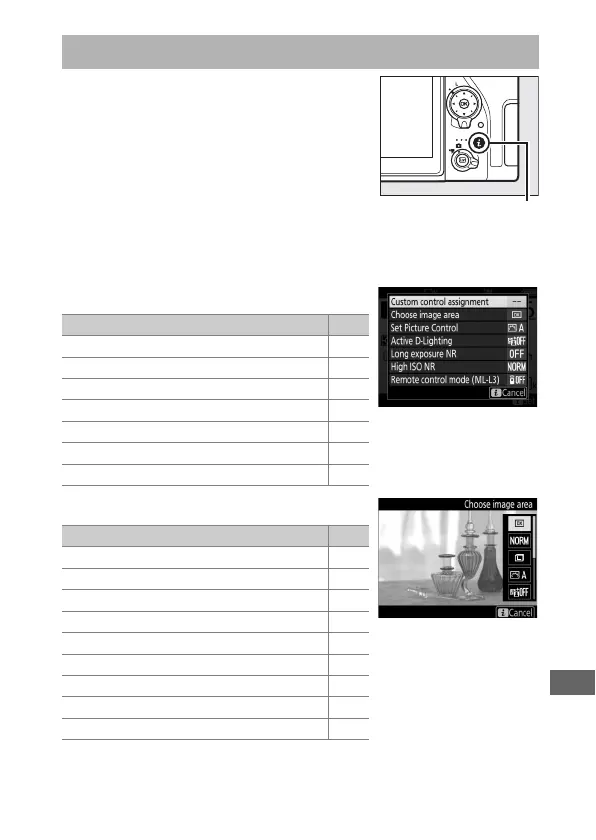
To access the options below, press the i
button during viewfinder and live view
photography. Use the touch screen or
navigate the menu using the multi
selector and J button, using the multi
selector to highlight items and pressing
J to view options. To return to shooting
mode, press the shutter-release button
halfway.
❚❚ Viewfinder Photography
❚❚ Live View Photography
The i Button
Option
0
Custom control assignment 266
Choose image area 93
Set Picture Control 148
Active D-Lighting 153
Long exposure NR 255
High ISO NR 255
Remote control mode (ML-L3) 175
Option
0
Choose image area 93
Image quality 97
Image size 99
Set Picture Control 148
Active D-Lighting 153
Remote control mode (ML-L3) 175
Electronic front-curtain shutter 264
Exposure preview 78
Monitor brightness 269



 To Next Page