61
Matching Settings to the Subject or
Situation (Scene Mode)
The camera offers a choice of “scene” modes. Choosing a scene
mode automatically optimizes settings to suit the selected
scene, making creative photography as simple as selecting a
mode, framing a picture, and shooting as described in “‘Point-
and-Shoot’ Photography (i and j Modes)” (0 48).
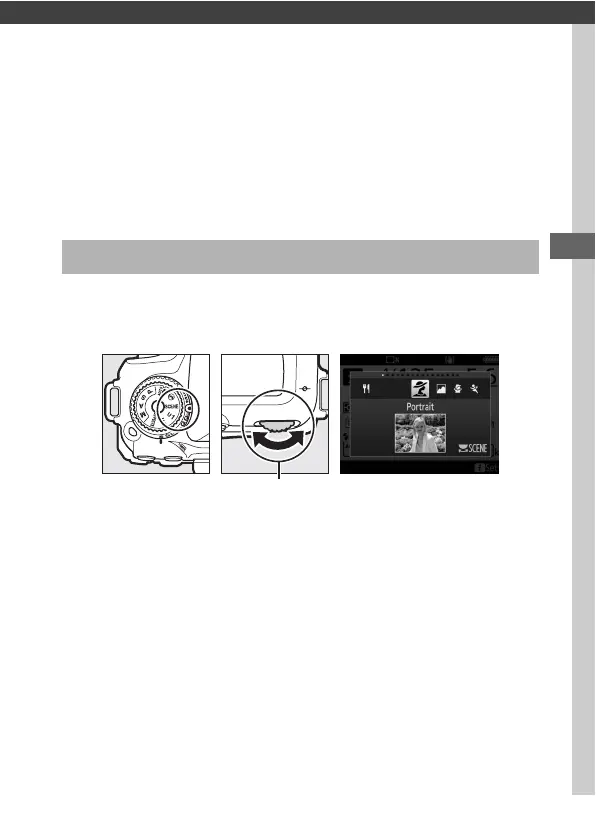
The following scenes can be selected by rotating the mode dial
to SCENE and rotating the main command dial until the desired
scene appears in the monitor.
Note that the scene can not be changed during movie recording.
Choosing a Scene Mode
Mode dial Main command
dial
Monitor



 To Next Page