33
iOS
Users of iOS devices can follow the steps below. Refer to
“Android” (0 29) if you are using an Android device.
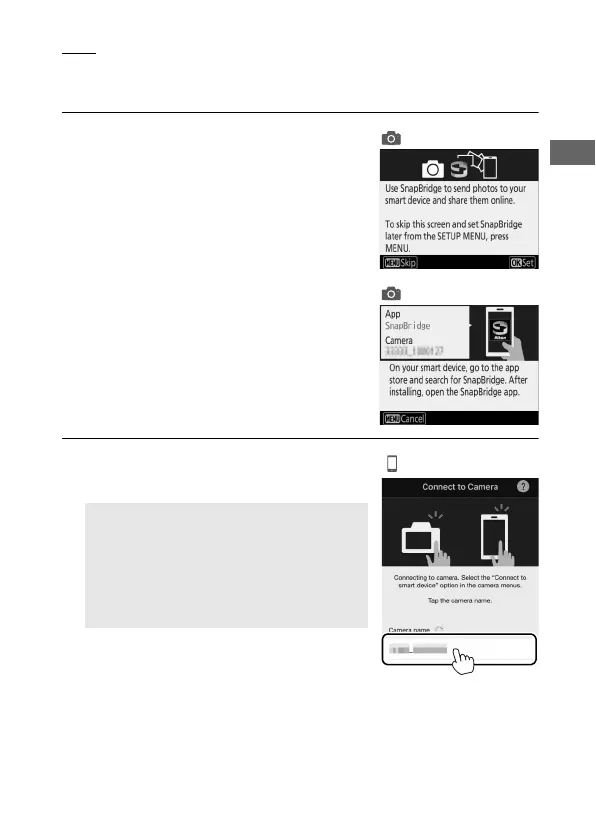
1 Camera: Press J when the connection
wizard is displayed.
When the camera prompts you to
launch SnapBridge, proceed to Step2.
2 iOS device: Launch SnapBridge on your
iOS device and tap the camera name.
D Camera Name Not Displayed
The camera name may not be listed if
SnapBridge is started before the camera
displays the launch prompt. Confirm that
the launch prompt is displayed and then
quit and restart SnapBridge.



 To Next Page