206
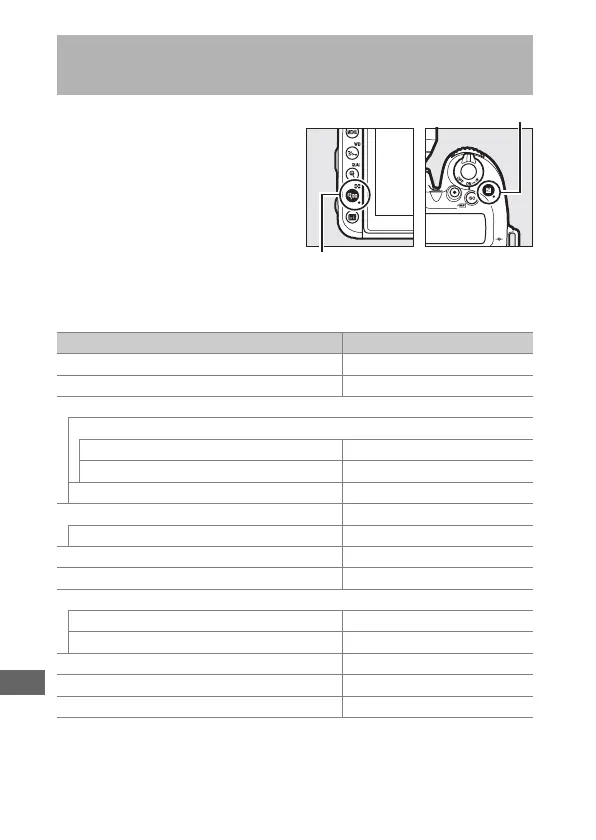
The camera settings listed
below can be restored to
default values by holding the
W (Z) and E buttons down
together for more than two
seconds (these buttons are
marked by a green dot). The
control panel turns off briefly
while settings are reset.
❚❚ Settings Accessible from the Photo Shooting Menu
Two-Button Reset: Restoring Default
Settings
Option Default
Image quality JPEG normal
Image size Large
ISO sensitivity settings
ISO sensitivity
P, S, A, M 100
Other modes Auto
Auto ISO sensitivity control Off
White balance Auto > Normal
Fine tuning A-B: 0, G-M: 0
Picture Control settings
1
Unmodified
HDR (high dynamic range) Off
2
Flicker reduction
Flicker reduction setting Disable
Flicker reduction indicator On
Remote control mode (ML-L3) Off
Multiple exposure Off
3
Interval timer shooting Off
4



 To Next Page