84
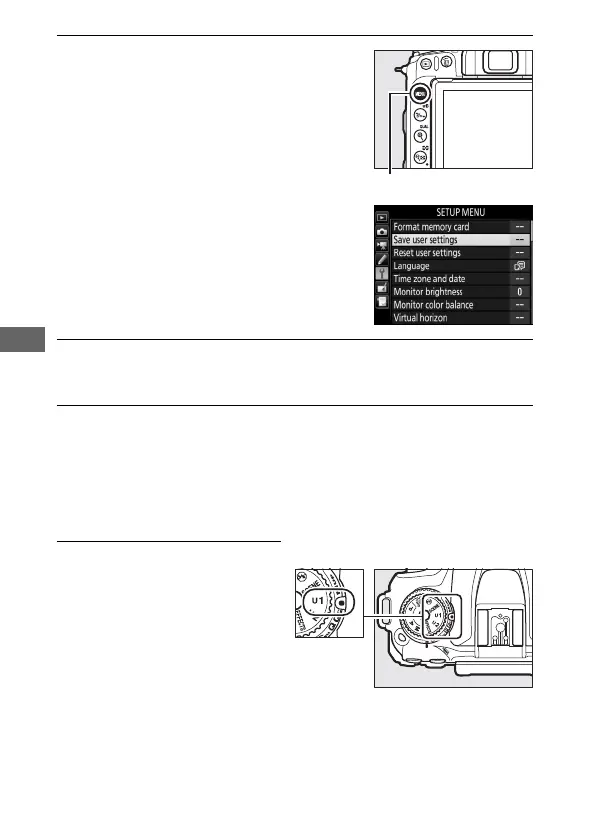
3 Select Save user settings.
Press the G button to display the
menus. Highlight Save user settings
in the setup menu and press 2.
4 Select Save to U1 or Save to U2.
Highlight Save to U1 or Save to U2 and press 2.
5 Save user settings.
Highlight Save settings and press J to assign the settings
selected in Steps 1 and 2 to the mode dial position selected in
Step 4.
Recalling User Settings
Simply rotate the mode dial to
U1 to recall the settings
assigned to Save to U1, or to
U2 to recall the settings
assigned to Save to U2.



 To Next Page