159
Flash Photography
The built-in flash can be used not only when natural lighting is
inadequate but to fill in shadows and backlit subjects or to add a
catch light to the subject’s eyes.
Auto Pop-up Modes
In i, k, p, n, o, s, w, f, d, e, and ' modes, the built-in flash
automatically pops up and fires as required.
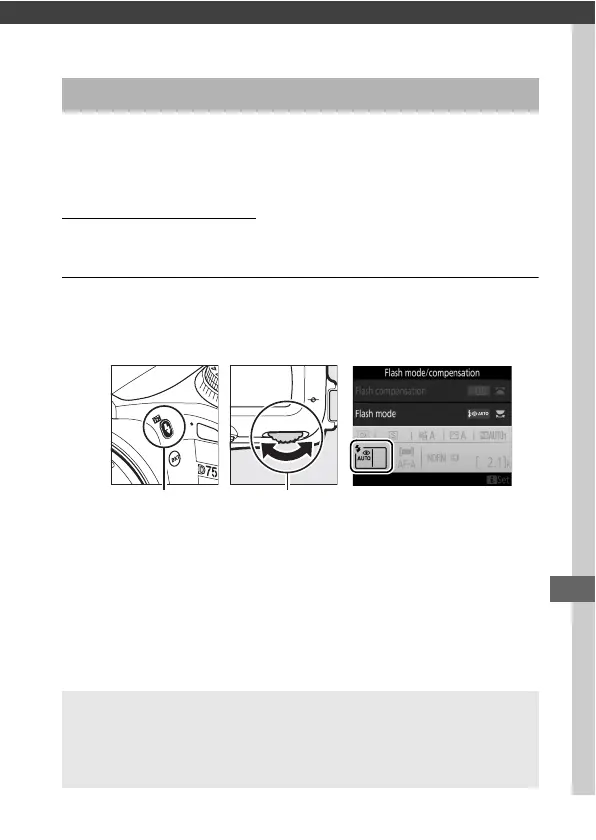
1 Choose a flash mode.
Keeping the M (Y) button pressed, rotate the main
command dial until the desired flash mode is displayed.
Using the Built-in Flash
M (Y) button Main command
dial
A Live View
In live view, the selected option is displayed in the monitor.
A See Also
For information on using optional flash units, see the Menu Guide.



 To Next Page