240
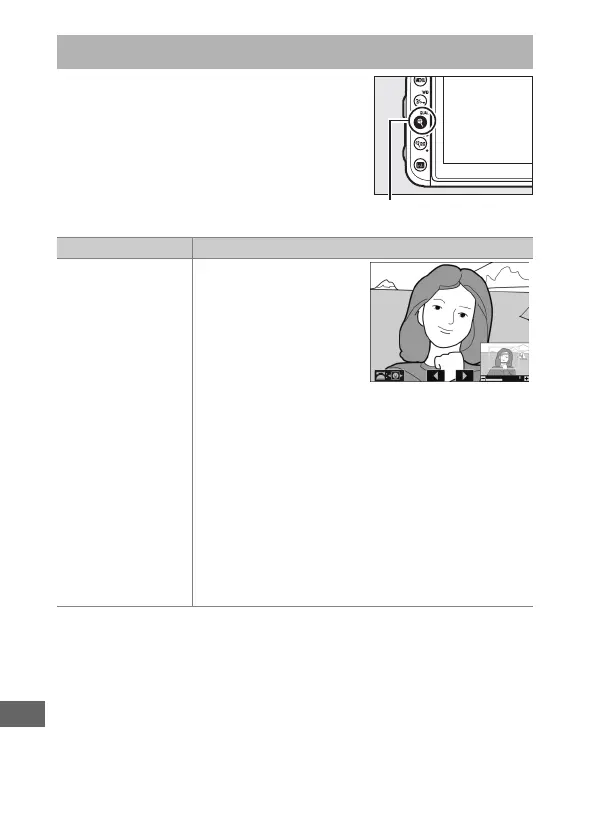
To zoom in on an image displayed in full-
frame playback, press the X (T)
button or give the display two quick taps.
The following operations can be
performed while zoom is in effect:
Taking a Closer Look: Playback Zoom
To Description
Zoom in or out/
view other areas of
image
Press X (T) or use
stretch gestures to
zoom in to a maximum
of approximately 34×
(large images in 24 × 16/
DX format), 26×
(medium images) or
17× (small images). Press W (Z) or use pinch
gestures to zoom out. While a photo is zoomed in,
use the multi selector or slide a finger over the
screen to view areas of the image not visible in the
monitor. Keep the multi selector pressed to scroll
rapidly to other areas of the frame. A navigation
window is displayed when the zoom ratio is
altered; the area currently visible in the monitor is
indicated by a yellow border. The bar under the
navigation window shows the zoom ratio, turning
green at a ratio of 1 : 1.



 To Next Page