228
Using the Touch Screen
During playback, the touch-sensitive monitor can be used to:
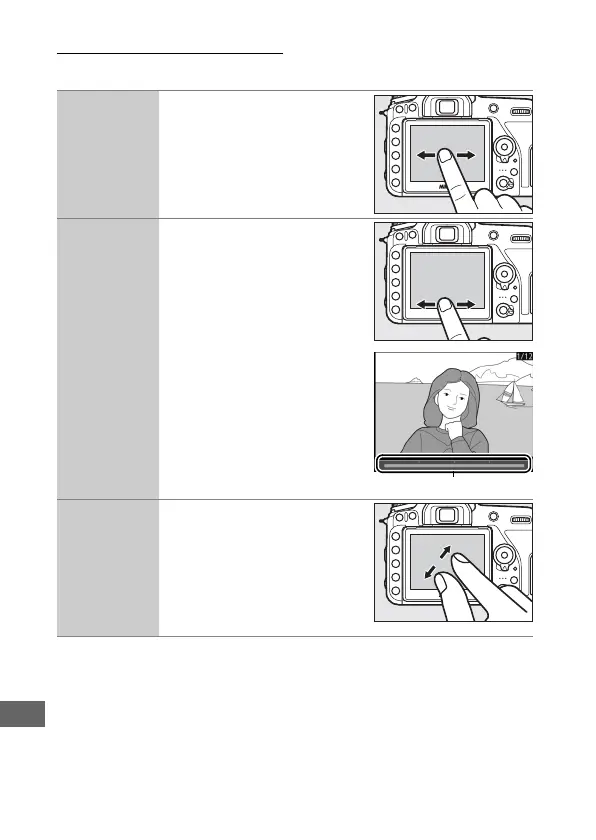
View other
images
Flick left or right to view other
images.
Scroll rapidly to
other images
In full frame view, you can
touch the bottom of the
display to display a frame
advance bar, then slide your
finger left or right to scroll
rapidly to other images.
Frame advance bar
Zoom in (photos
only)
Use stretch and pinch
gestures to zoom in and out
and slide to scroll (0 240).
You can also give the display
two quick taps to zoom in
from full-frame playback or
cancel zoom.



 To Next Page