226
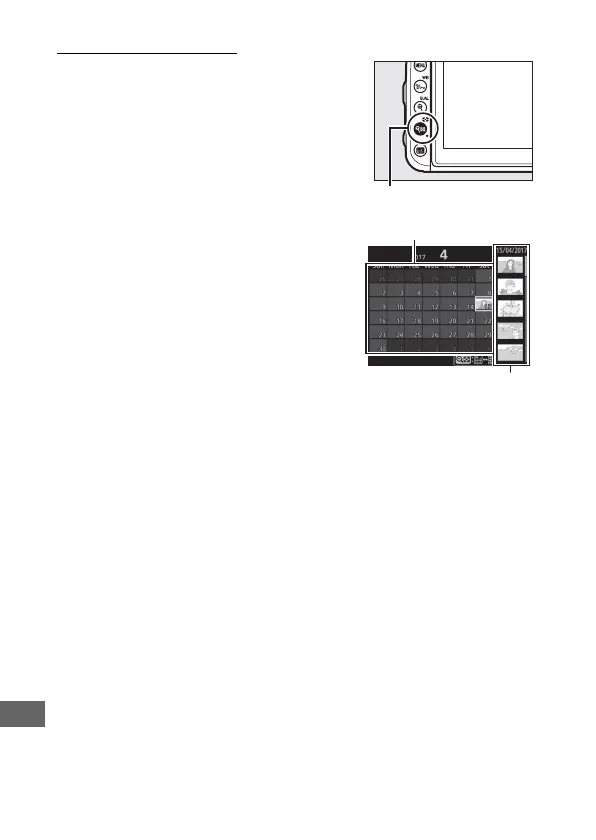
Calendar Playback
To view images taken on a selected date,
press the W (Z) button when 72 images
are displayed.
Use the touch screen or multi selector
to highlight dates in the date list; the
pictures taken on the selected date
appear in the thumbnail list. Pressing J
or the W (Z) places the cursor in the
thumbnail list, where you can use the
multi selector to select images for full-
frame playback, playback zoom
(0 240), protection (0 242), or deletion
(0 247), or press and hold the X (T) button to view the
currently highlighted picture full frame. Press the W (Z) button
to return to the date list. To exit to 72-frame playback, press the
X (T) button when the cursor is in the date list.



 To Next Page