200
Saving Selected Frames
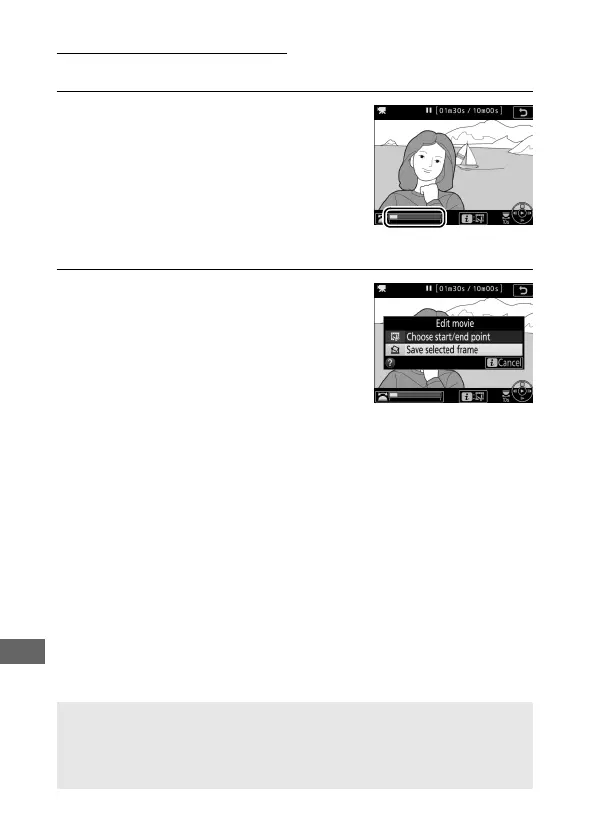
To save a copy of a selected frame as a JPEG still:
1 Pause the movie on the desired
frame.
Play the movie back as described in
“Viewing Movies” (0 194), pressing
J to start and resume playback and
3 to pause. Pause the movie at the
frame you intend to copy.
2 Choose Save selected frame.
Press the i button, then highlight
Save selected frame and press J to
create a JPEG copy of the current
frame (0 97).
A Save Selected Frame
JPEG movie stills created with the Save selected frame option can not
be retouched. JPEG movie stills lack some categories of photo
information (0 231).



 To Next Page