188
Frame Size, Frame Rate, and Movie Quality
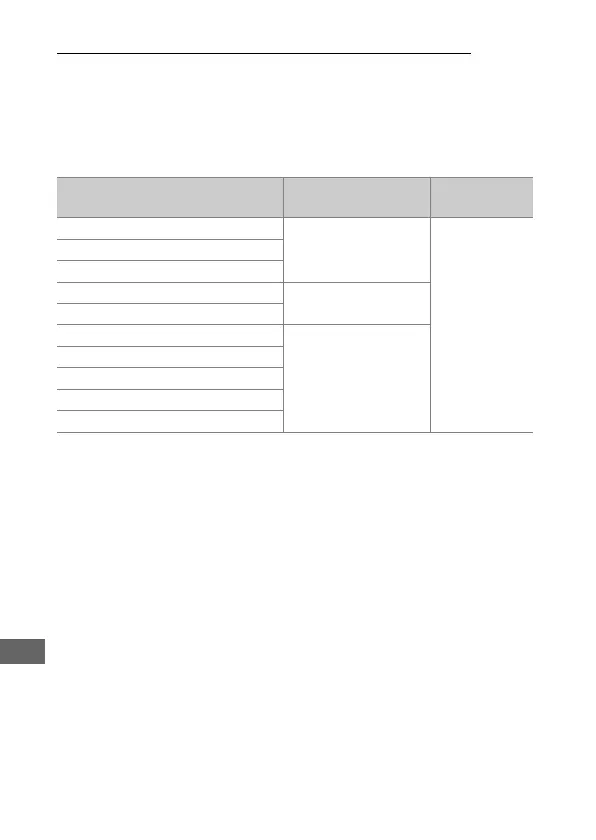
The Frame size/frame rate option in the movie shooting menu
is used to choose the movie frame size (in pixels) and frame rate.
You can also choose from two Movie quality options: high and
normal. Together, these options determine the maximum bit
rate, as shown in the following table.
Option
1
Maximum bit rate (Mbps)
(★ high quality/Normal)
Maximum
length
r
3840 × 2160 (4K UHD); 30p
2
144
29 min. 59 s
3
s
3840 × 2160 (4K UHD); 25p
2
t
3840 × 2160 (4K UHD); 24p
2
y/y
1920 × 1080; 60p
48/24
z/z
1920 × 1080; 50p
1/1
1920 × 1080; 30p
24/12
2/2
1920 × 1080; 25p
3/3
1920 × 1080; 24p
4/4
1280 × 720; 60p
5/5
1280 × 720; 50p
1Actual frame rate is 29.97 fps for values listed as 30p, 23.976 fps for values listed as 24p, and
59.94 fps for values listed as 60p.
2 When this option is selected, k is displayed in the monitor and movie quality is fixed at
“high”.
3 Each movie will be recorded across up to 8 files of up to 4 GB each. The number of files and the
length of each file vary with the options selected for Frame size/frame rate and
Movie quality.



 To Next Page