66
Options Available in Live View
Settings for the selected effect are adjusted in the live view
display.
❚❚ e Photo Illustration
1 Select live view.
Press the a button. The view through
the lens will be displayed in the
monitor.
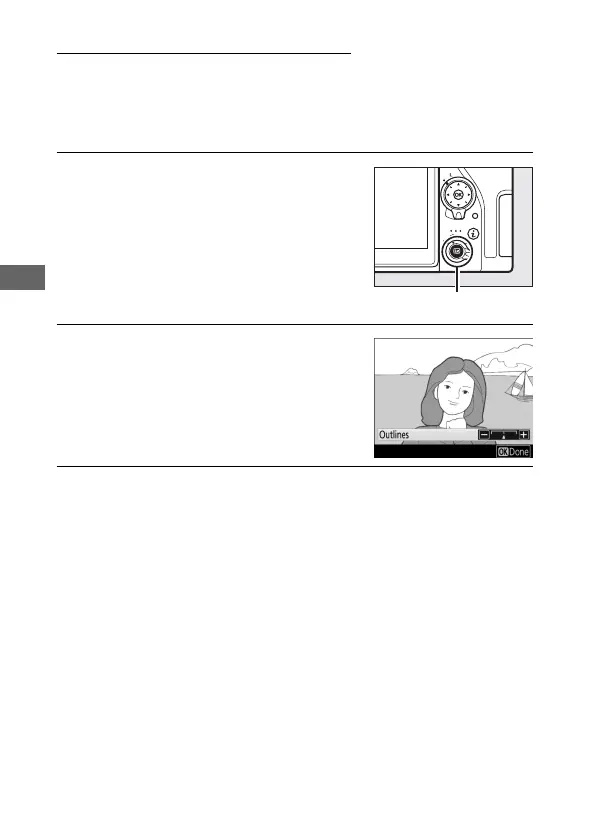
2 Adjust outline thickness.
Press J to display options. Press 4 or
2 to make outlines thicker or thinner.
3 Press J.
Press J to exit when settings are complete.



 To Next Page