32
6 Camera: Follow the on-screen instructions to complete the
setup process.
To record location data with photographs, select Ye s when
prompted and enable the location data features both in the
SnapBridge app and on the smart device itself (for more
information, see the documentation provided with the smart
device).
You can also synchronize the camera clock to the time
reported by the smart device by selecting Ye s when
prompted and enabling synchronization in the SnapBridge
app. Select No to set the clock manually (0 26). Setup is
complete when the camera returns to the shooting display.
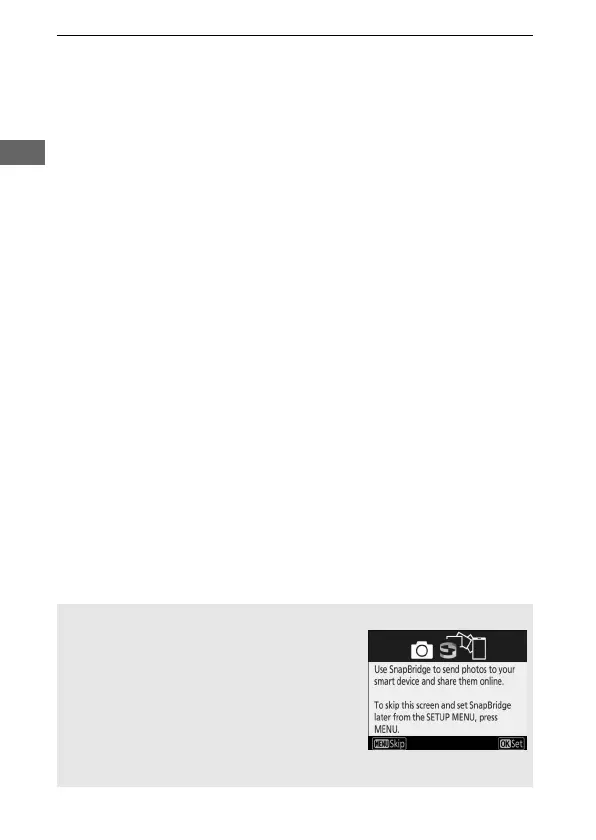
D Restarting Pairing at a Later Date
If you don’t finish pairing the first time you
turn the camera on, you can start pairing at
any time by selecting Connect to smart
device in the camera setup menu. When
prompted, press J to display the
SnapBridge launch prompt shown in Step 1.
Proceed to Step 2 to complete the pairing
process.



 To Next Page