94
A Image Area
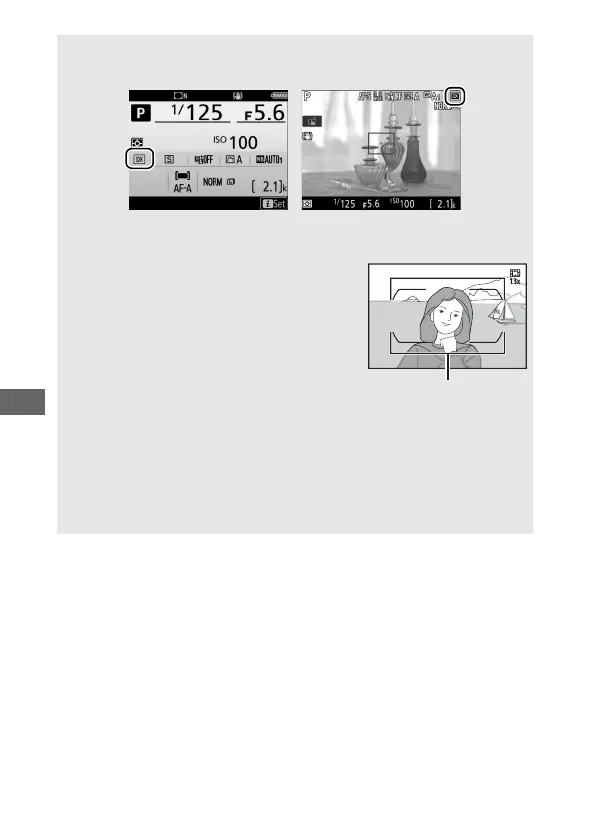
The selected option is shown in the display.
Information display Shooting display
A The Viewfinder Display
A s icon is displayed in the viewfinder when
the 1.3× DX crop is selected.
A See Also
For information on:
• The crops available for movie recording, see “The Movie Crop”
(0 190).
• The number of pictures that can be stored at different image area
settings, see “Memory Card Capacity” (0 347).



 To Next Page