101
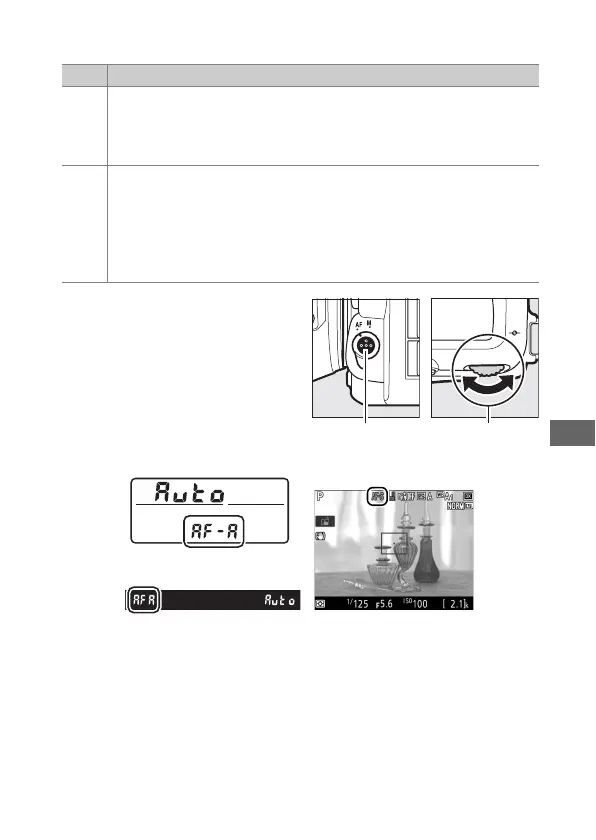
The following autofocus modes can be selected during live view:
Autofocus mode can be
selected by pressing the AF-
mode button and rotating the
main command dial until the
desired setting is displayed.
Mode Description
AF-S
Single-servo AF: For stationary subjects. Focus locks when shutter-
release button is pressed halfway. You can also focus by
touching your subject in the monitor, in which case focus locks
until you lift your finger from the display to take the photograph.
AF-F
Full-time servo AF: For moving subjects. Camera focuses
continuously until shutter-release button is pressed. Focus locks
when shutter-release button is pressed halfway. You can also
focus by touching your subject in the monitor, in which case
focus locks until you lift your finger from the display to take the
photograph.
Control panel
Viewfinder Monitor
AF-mode button Main command
dial



 To Next Page