128
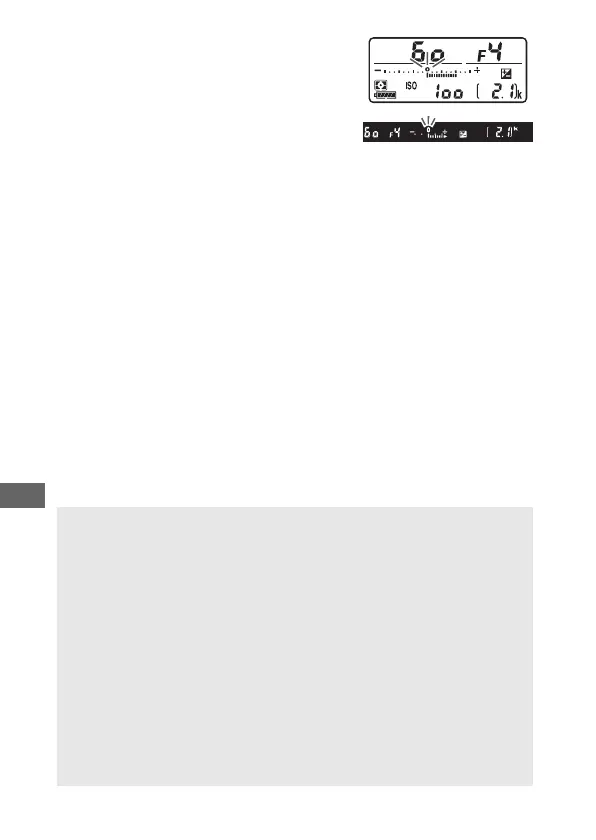
At values other than ±0.0, the 0 at the
center of the exposure indicators will
flash (except in mode M) and a E icon
will be displayed in the control panel
and viewfinder after you release the E
button. The current value for exposure
compensation can be confirmed in the exposure indicator by
pressing the E button.
Normal exposure can be restored by setting exposure
compensation to ±0. Except in SCENE and EFFECTS modes,
exposure compensation is not reset when the camera is turned
off (in SCENE and EFFECTS modes, exposure compensation will be
reset when another mode is selected or the camera is turned
off).
A Mode M
In mode M, exposure compensation affects only the exposure
indicator; shutter speed and aperture do not change.
A Flash Photography
When a flash is used, exposure compensation affects both flash level
and exposure, altering the brightness of both the main subject and the
background. Custom Setting e3 (Exposure comp. for flash, 0 265)
can be used to restrict the effects of exposure compensation to the
background only.
A Exposure Compensation (Live View)
In live view, exposure compensation can be set to values between –5
and +5 EV, but only values between –3 and +3 can be previewed in the
monitor.



 To Next Page