131
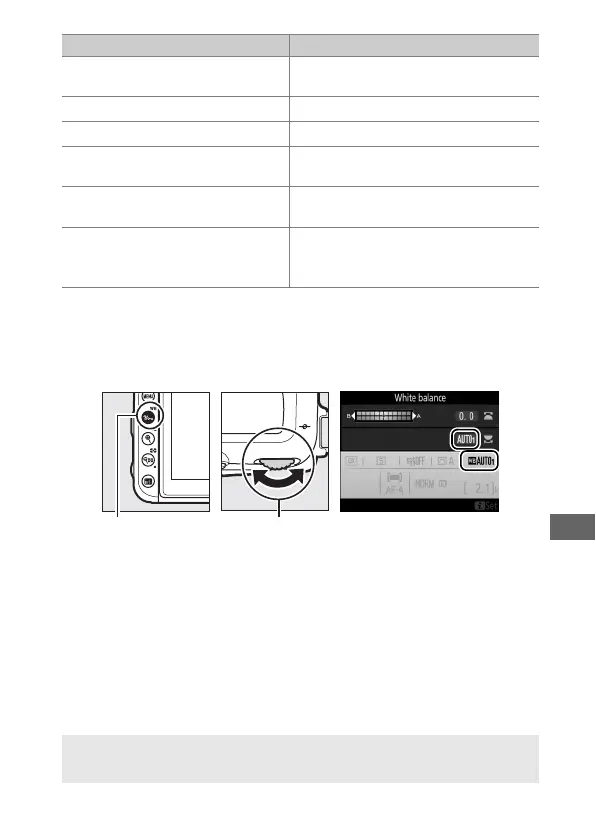
White balance is set by pressing the L (U) button and
rotating the main command dial until the desired setting is
displayed.
H
Direct sunlight (5200 K)
Use with subjects lit by direct
sunlight.
N
Flash (5400 K) For flash photography.
G
Cloudy (6000 K) Use in daylight under overcast skies.
M
Shade (8000 K)
Use in daylight with subjects in the
shade.
K
Choose color temp.
(2500–10,000 K)
Choose color temperature from list
of values (0 137).
L
Preset manual
Use subject, light source, or existing
photograph as reference for white
balance (0 139).
* All values are approximate and do not reflect fine-tuning (if applicable).
L (U) button Main command
dial
A Live View
In live view, the selected option is displayed in the monitor.
Option (Color temp.
*
) Description



 To Next Page