170
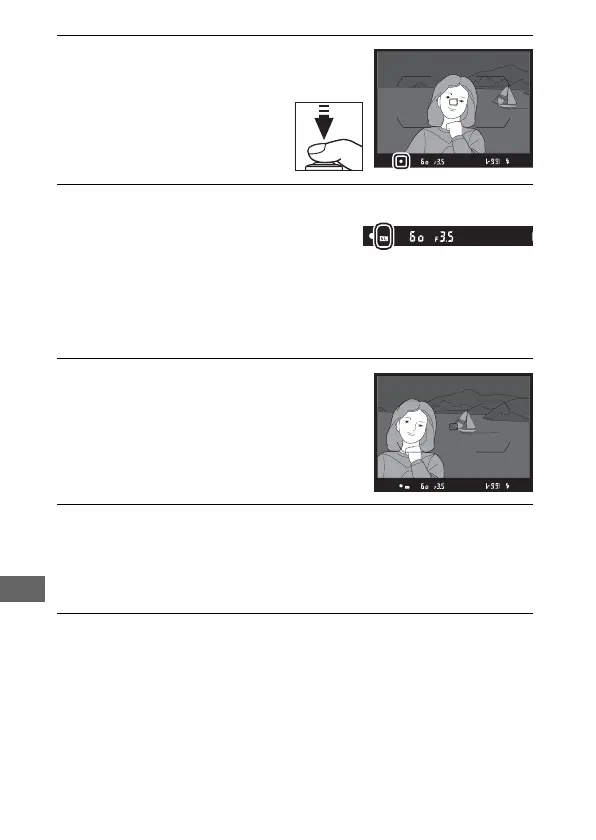
4 Focus.
Position the subject in the
center of the frame and
press the shutter-release
button halfway to focus.
5 Lock flash level.
After confirming that the flash-ready
indicator (M) is displayed, press the
control selected in Step 1. The flash will emit a monitor
preflash to determine the appropriate flash level. Flash
output will be locked at this level and an FV lock icon (e) will
appear in the display.
6 Recompose the photograph.
7 Take the photograph.
Press the shutter-release button the rest of the way down to
shoot. If desired, additional pictures can be taken without
releasing FV lock.
8 Release FV lock.
Press the control selected in Step 1 to release FV lock. Confirm
that the FV lock icon (e) is no longer displayed.



 To Next Page