182
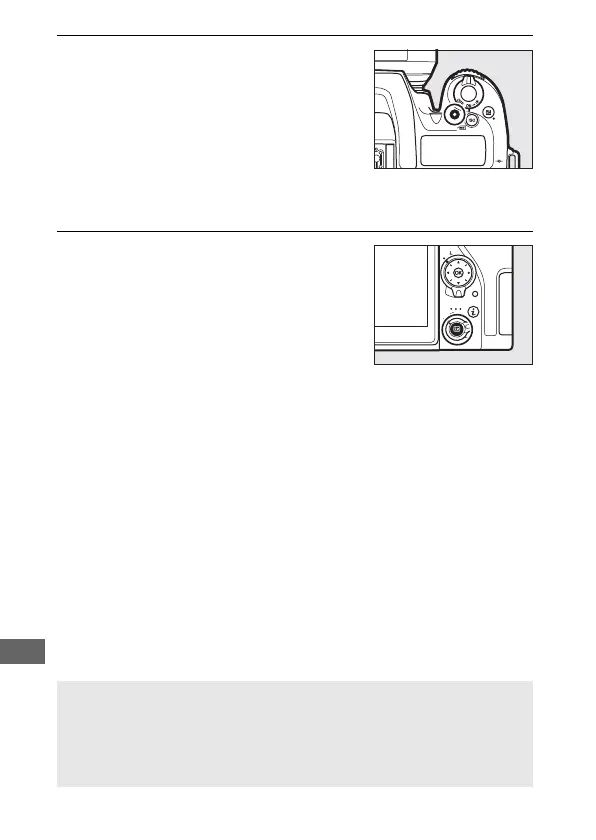
5 End recording.
Press the movie-record button again
to end recording. Recording will end
automatically when the maximum
length is reached, or the memory card
is full (note that depending on
memory card write speed, shooting
may end before the maximum length is reached).
6 Exit live view.
Press the a button to exit live view.
A See Also
For information on:
• Choosing how the camera focuses in movie mode, see “Autofocus”
(0 100).
• Focusing using the lens focus ring, see “Manual Focus” (0 115).



 To Next Page