25
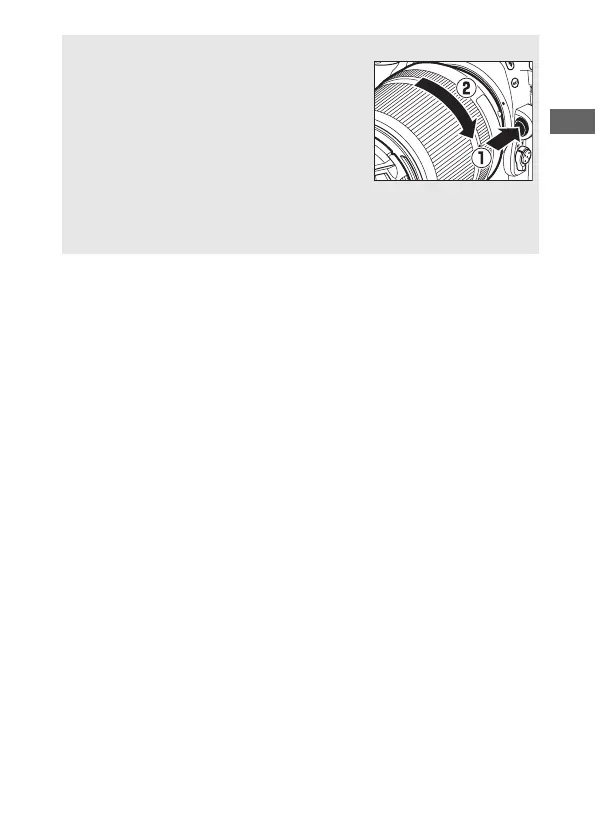
A Detaching the Lens
Be sure the camera is off when removing or
exchanging lenses. To remove the lens, press
and hold the lens release button (q) while
turning the lens clockwise (w). After
removing the lens, replace the lens caps and
camera body cap.
D CPU Lenses with Aperture Rings
In the case of CPU lenses equipped with an aperture ring (0 280), lock
aperture at the minimum setting (highest f-number).



 To Next Page