40
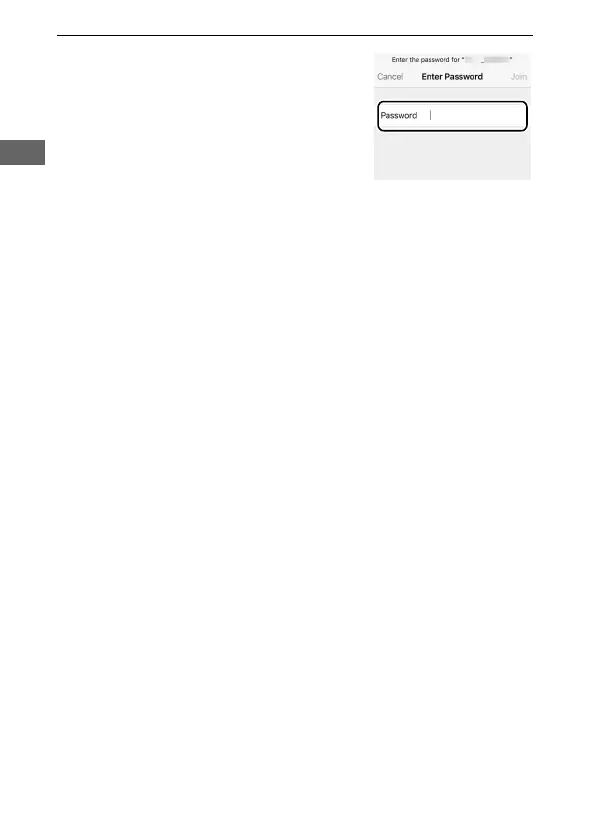
5 If prompted for a password, enter
the password you noted in Step 1
(you can also check the password at
any time by selecting Wi-Fi>
Network settings> Password in the
setup menu). Passwords are case-
sensitive. Once you have entered the
password, you will not be prompted to do so again unless
the password has changed in the interim.



 To Next Page