Chapter 5 Laser Unit
5.4 LU4A Four-laser Module A
1-197
5.4.8 Attaching the Sheet Metal Cover
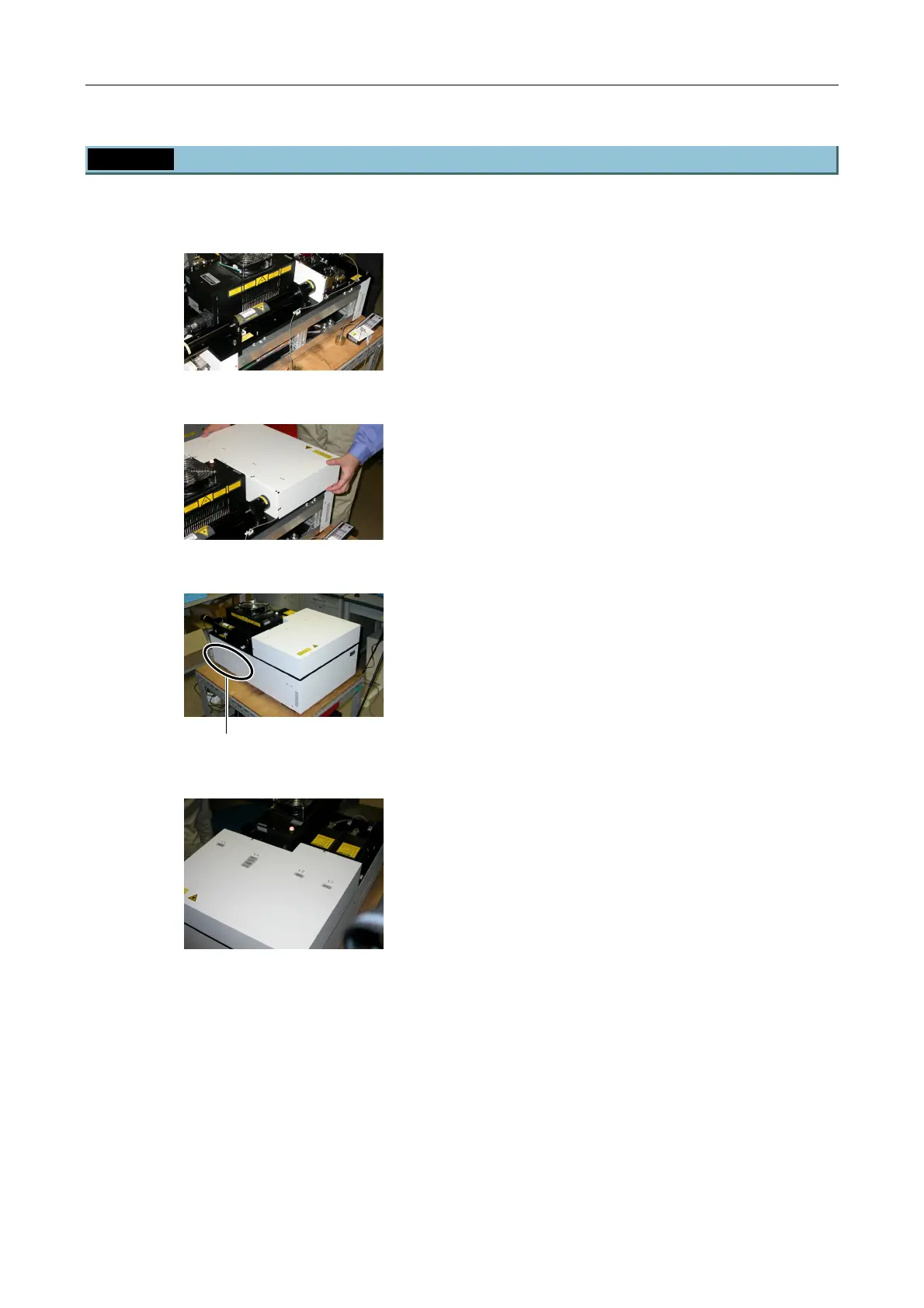
1. Check the inside of the laser unit.
Figure 5.4-111
2. Fix cables and optical fibers with cable bands
provided with the laser unit.
Figure 5.4-112
3. Install the sheet metal covers.
Figure 5.4-113
4. Attach each side panel and fix it with six screws
each. (The Nikon marking is indicated on the back
part.)
Figure 5.4-114
5. Affix provided stickers to indicate laser wavelengths.
This is the end of the setup procedure of the four-laser module A.
Nikon marking


 To Next Page