48
Shooting in Each Exposure Mode
—continued
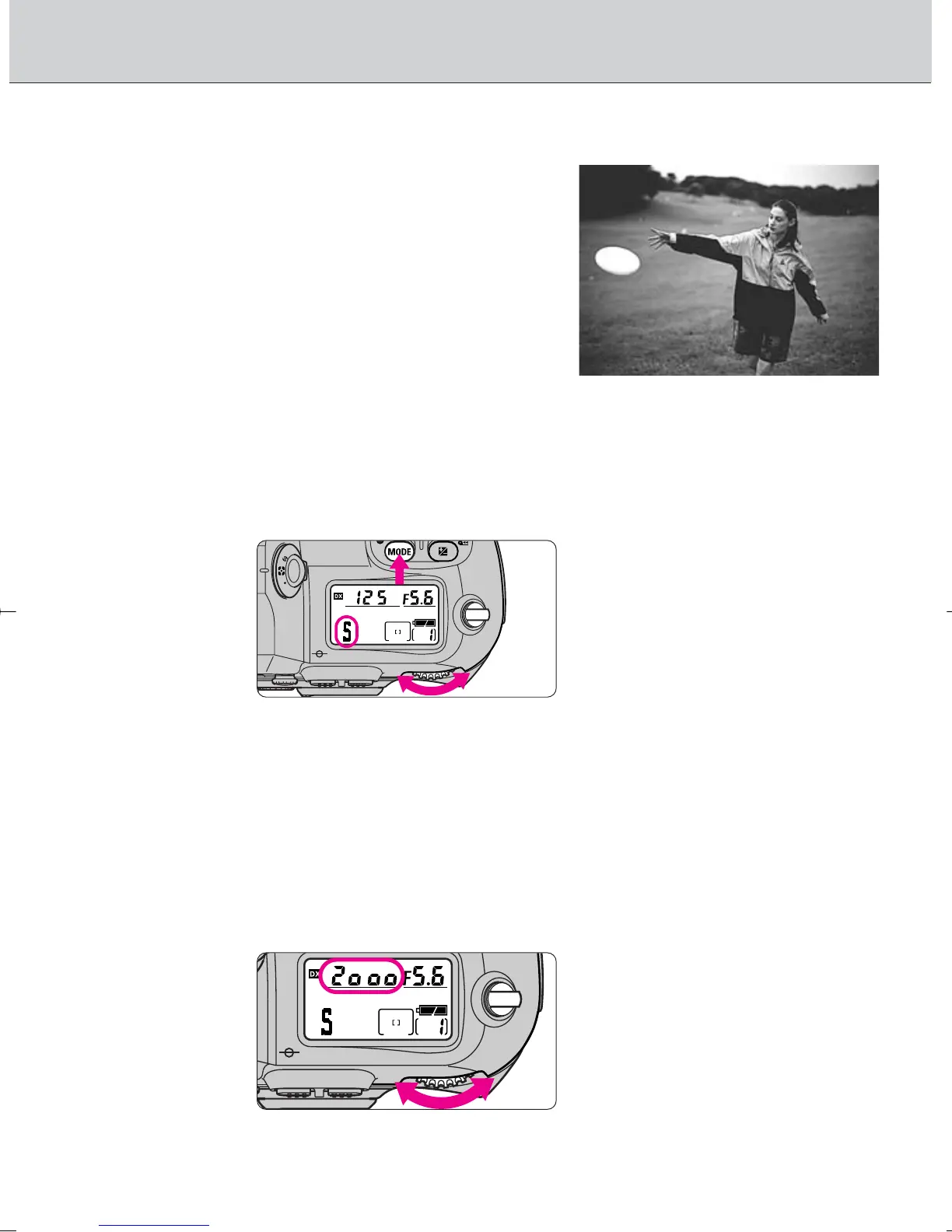
• ™: Shutter-Priority Auto
Enables you to manually set your desired
shutter speed (30-1/8000 sec.); the
camera automatically selects the proper
aperture to provide correct exposure. With
high shutter speeds, you can freeze the
motion of a fast-moving subject; with
slower speeds, you can create a blurry,
motion effect.
• Shutter-Priority Auto can only be
selected with CPU lens.
1
2
Set the shutter speed by rotating the Main-Command
Dial.
Rotate the Main-Command Dial while pressing the
exposure mode Δ button to select ™.
• When CPU Nikkor lens other than G-type is not set to its minimum aperture
setting, ƒEE blinks in the LCD panel and viewfinder, and shutter locks.
• When a non-CPU lens is attached, exposure mode automatically switches
to Aperture-Priority Auto. ™ blinks in the LCD panel and A appears in the
viewfinder. Set/confirm aperture with the lens aperture ring since ƒ--
appears instead of the aperture value in the LCD panel and viewfinder.
· 12: Shutter speed can be set to change with Sub-Command Dial
(page 73).
F100_En_16 7/8/05 8:06 PM Page 48



 To Next Page