B–8
B
Operation
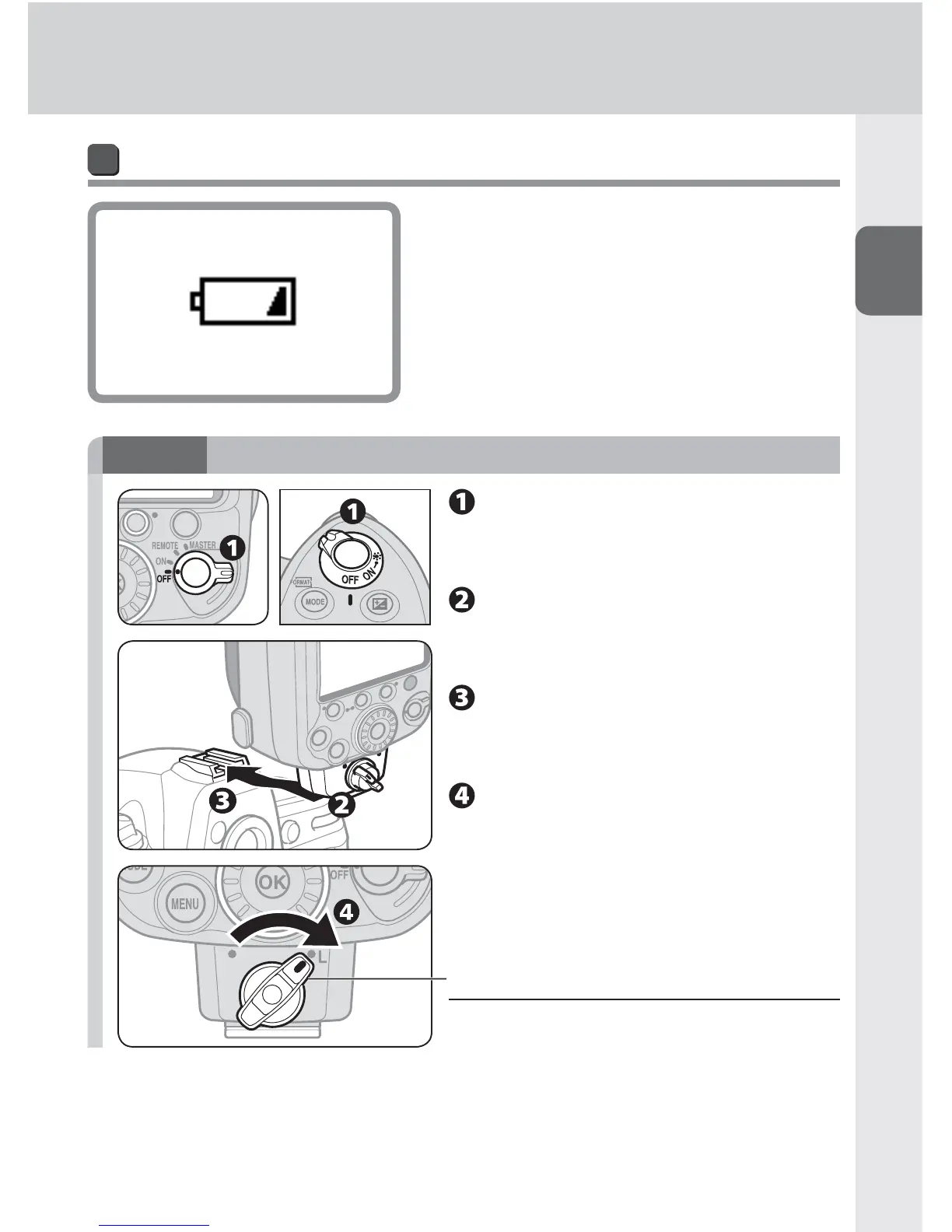
Low battery power indicator
When battery power is low, the icon shown
at the left appears on the LCD and the
SB-910 stops functioning. Replace or recharge
batteries.
STEP
2
Attaching the SB-910 to the camera
Make sure the SB-910 and
the camera body are turned
off.
Make sure the mounting
foot lock lever is on the left
(white dot).
Slide the SB-910’s mounting
foot into the camera’s
accessory shoe.
Turn the lock lever to “L.”
v Lock the Speedlight in place
Turn the lock lever clockwise until it stops
at the mounting foot lock index.



 To Next Page