22
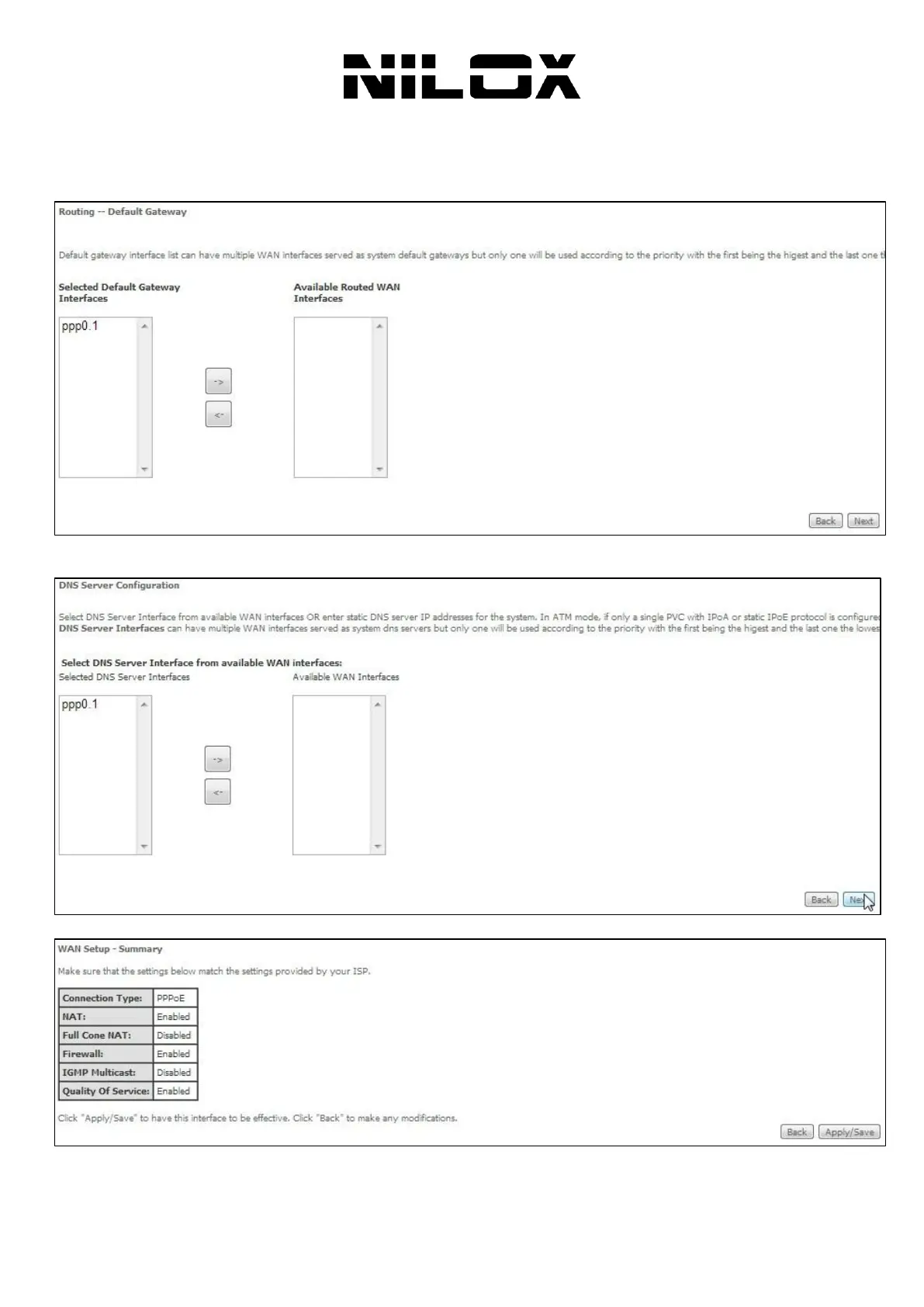
Step5 After setting the parameters, click Next to display the following page.
Step6 In this page, select a preferred WAN interface as the system default gateway and then click Next to display the
following page.
Step7 In this page, you can obtain the DNS server addresses from the selected WAN interface. Click Next, and the
following page appears.
Step8 In this page, it displays the information about the PPPoE settngs. Click Apply/Save to save and apply the settings.



 To Next Page