EasyManua.ls Logo

NIRx NIRScout - User Manual

Default Icon
124 pages
Print Icon
To Next Page IconTo Next Page
Loading...
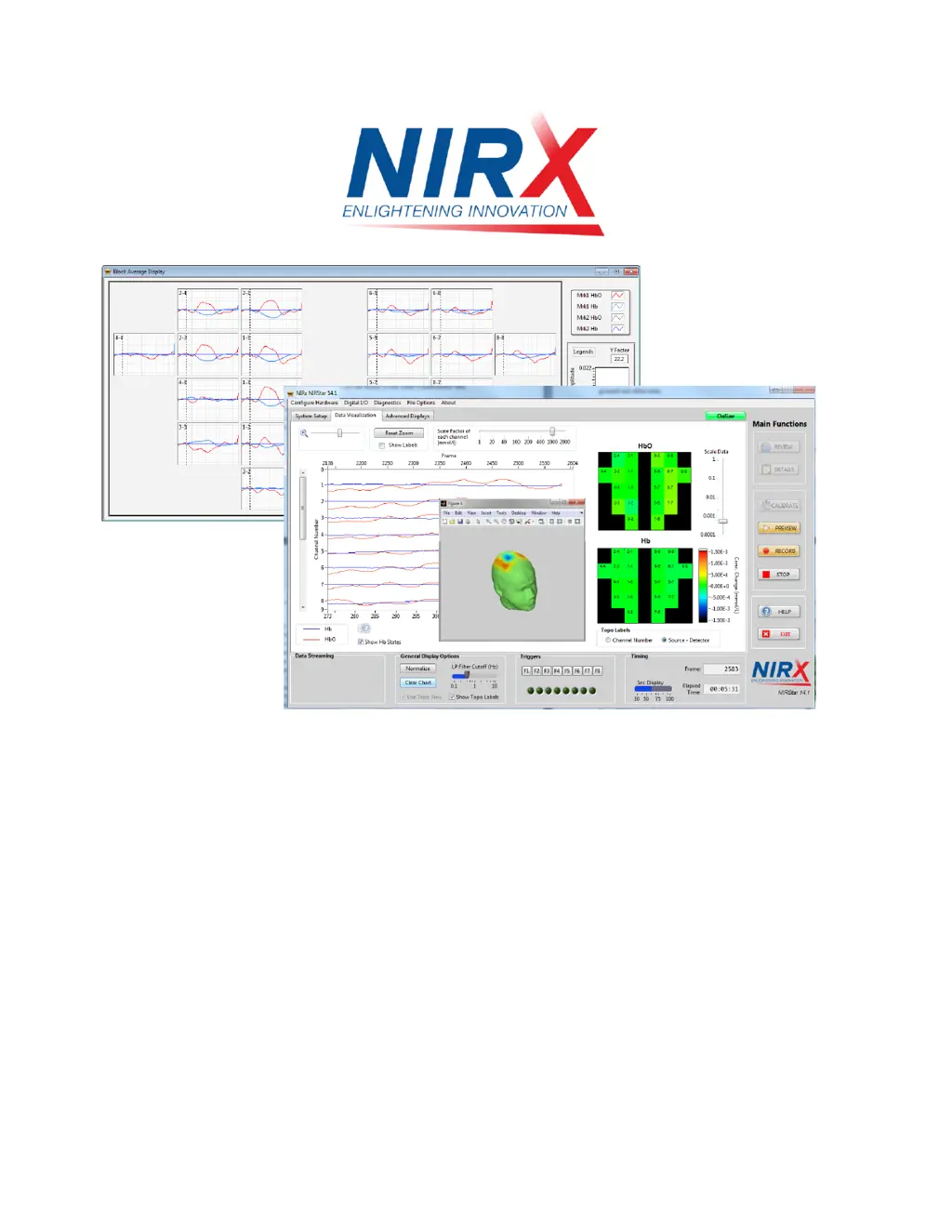
NIRStar 14.1
User Manual
For use with NIRx NIRSport, NIRScout and NIRScoutX Imagers.
NIRx Medical Technologies LLC
15 Cherry Lane
Glen Head, NY 11545, USA
www.nirx.net
NIRStar14-1_Manual_R15_2015-06-23.doc

Table of Contents

Questions and Answers

  • T
    Todd LangAug 16, 2025
    What to do if Status LED is off or on continuously on NIRx All in One Printer?
    • K
      Kayla WallAug 16, 2025
      If the Status LED on your NIRx All in One Printer is off or continuously on, it could be due to a data connection problem. First, try reconnecting the USB cable. If that doesn't work, try using a different cable or USB port. Also, ensure that the necessary software and drivers are correctly installed on your computer. Finally, check the device's presence and function in the ‘National Instruments Automation Explorer.’ If the device is listed but inactive, remove it, restart your PC, and reconnect the NIRSport.
  • P
    phelpssusanAug 19, 2025
    How to fix power LED when it does not light up on NIRx All in One Printer?
    • D
      Dylan WoodsAug 19, 2025
      If the Power LED on your NIRx All in One Printer isn't lighting up, the issue might be related to the power supply. First, make sure the power switch is turned on. Next, check that the AC line is properly connected. Lastly, inspect the fuses and replace them if needed.
  • J
    Jeffrey BrownAug 22, 2025
    Why is the data from NIRx Measuring Instruments overly noisy?
    • J
      Jack FuentesAug 22, 2025
      If the NIRx Measuring Instruments show overly noisy data, it might be due to ambient light interference. Ensure the head is well shielded and not directly illuminated by ambient light, especially fluorescent tubes.
  • S
    stanley05Aug 26, 2025
    What to do if the status LED is off or on continuously on NIRx Measuring Instruments?
    • M
      Martin WagnerAug 26, 2025
      If the status LED is off or continuously on, there might be no data connection to the PC. Try reconnecting the USB cable, using a different cable or port, and ensuring that the software and drivers are installed correctly.
  • S
    shane85Aug 28, 2025
    What to do if all sources show maximum gain and low signal for the same detector channel on NIRx Measuring Instruments?
    • S
      Sarah MorrisonAug 28, 2025
      If all sources show maximum gain and low signal for the same detector channel on NIRx Measuring Instruments, it indicates a low signal from the detector. Check the optical coupling of the affected detector to the skin, part hair if needed, apply coupling gel, and apply gentle pressure through the outer cap or bandage. Also, check the connection of the affected fiber optic cable to the instrument.
  • J
    julianwolfeAug 31, 2025
    What to do if a large number of channels go to highest gain setting on NIRx Measuring Instruments?
    • A
      Angela Peterson MDAug 31, 2025
      If a large number of channels or all channels go to the highest gain setting on NIRx Measuring Instruments, it could indicate low or no signal in all channels. Check the connection of the LED POD, ensure the LEDs are blinking during scanning, verify the connection of the fiber optic bundles, check the proper placement of probes on the subject's head, and inspect for damage on the LED illuminator or fiber optic cable.
  • B
    Benjamin WardSep 3, 2025
    What to do if NIRx Measuring Instruments show software error message 'Device may not be connected'?
    • E
      Edward SanchezSep 3, 2025
      If you encounter a software error message stating 'Device may not be connected' on NIRx Measuring Instruments, ensure that a USB connection is established and that the Status LED is blinking.
  • D
    Derek SimmonsSep 6, 2025
    What to do if all detectors show maximum gain for the same source on NIRx Measuring Instruments?
    • R
      Robyn StewartSep 6, 2025
      If all detectors show maximum gain for the same source on NIRx Measuring Instruments, it is likely due to a low signal from the source. Check the optical coupling of the affected source to the skin, part hair if needed, apply coupling gel, and apply gentle pressure through the outer cap or bandage.
  • D
    Daniel KaufmanSep 9, 2025
    How to fix power LED if it does not light up on NIRx Measuring Instruments?
    • M
      melvinwadeSep 9, 2025
      If the power LED does not light up on NIRx Measuring Instruments, it could be due to no power reaching the instrument. Check if the power switch is turned on, ensure the AC line is properly connected, and inspect the fuses, replacing them if necessary.
  • B
    Brad PayneSep 12, 2025
    What to do if there is no or low reading for one source at one wavelength on NIRx Measuring Instruments?
    • J
      Jerry GibbsSep 12, 2025
      If there is no or low reading for one source at one wavelength on NIRx Measuring Instruments, it might be due to damage to the LED driver or LED optode. Restart the instrument, and without performing calibration, start a scan and point the affected LED directly into a detection fiber tip or detector channel port. If it's working correctly, there should be a stable reading for both wavelength plots in the scan screen (display set to raw data).

NIRx NIRScout Specifications

General IconGeneral
TypeFunctional Near-Infrared Spectroscopy (fNIRS) System
CategoryLaboratory Equipment
WavelengthsTypically 760 nm and 850 nm
Sampling RateUp to 100 Hz
ConnectivityEthernet, USB
SoftwareNIRStar
Optode SpacingAdjustable
TriggeringExternal trigger input
Power SupplyAC adapter
DimensionsVaries by configuration
WeightVaries by configuration

Related product manuals