NIRStar 14.1 - User Manual
Page 52 of 124
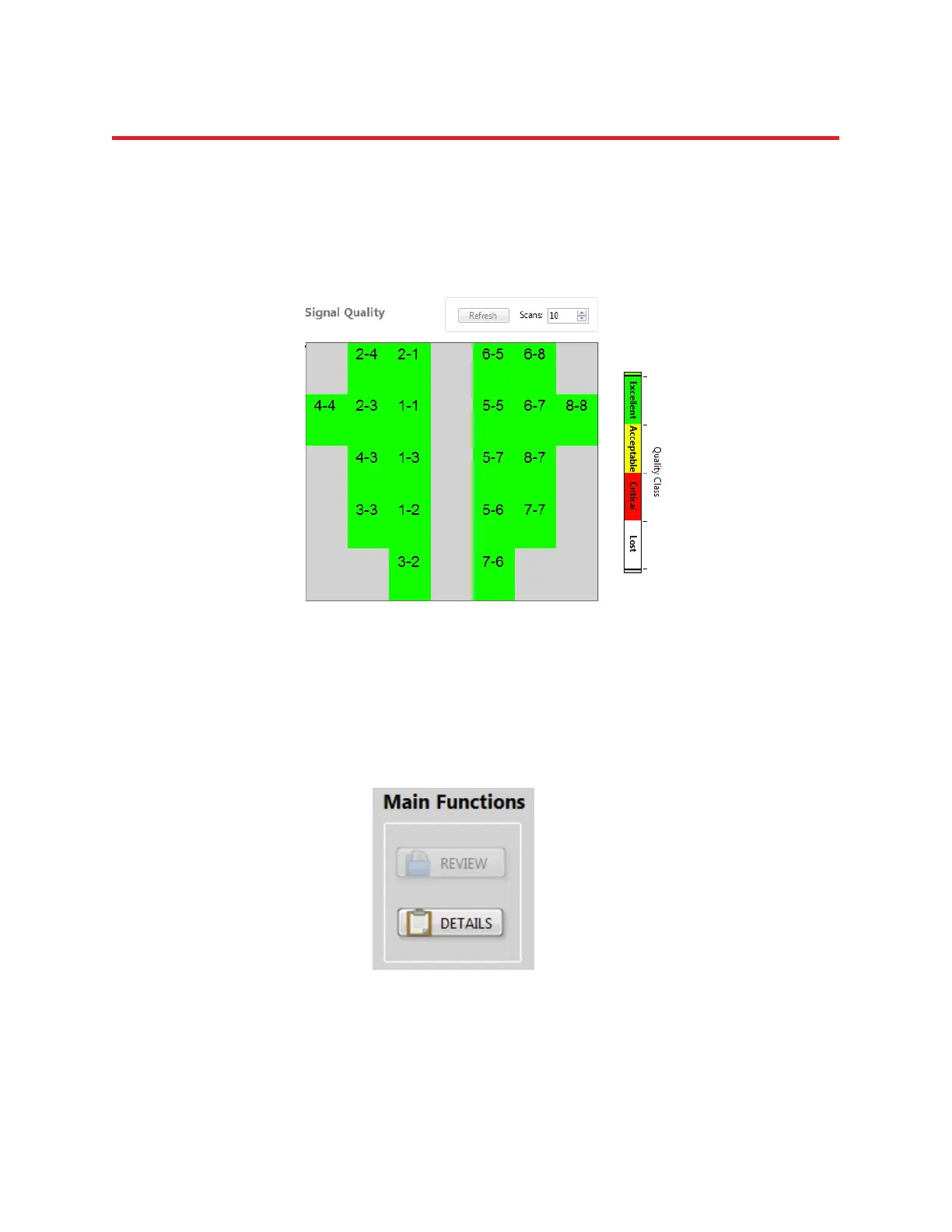
Show Topo Labels
If the Show Topo Labels option is selected, in General Display Options at the bottom of the software GUI,
a source-detector identifier will be overlaid onto all topographic displays, as illustrated in Figure 34.
Please note that this option is only enabled when “Use Topo View” is selected.
8.2 Gain Map, Level and Noise Displays
Previous versions, up until NIRStar14-0, showed the calibration results in individual maps of Gain, Level
and Noise. For convenience, and to make judgment of signal quality more reliable, these have been
combined into a single metric, as outlined under section 8.1 above.
These original indicators are still available and may be accessed under the Quality Scale visualization
tool, which can be accessed from the “Main Functions” list on the main screen window by clicking on
DETAILS button (Figure 35).
Figure 35. How to access the Quality Scale feature (Details button)
Figure 34. Signal Quality map according to the defined Topo Layout with corresponding Topo labels shown.



 To Next Page