NIRStar 14.1 - User Manual
Page 75 of 124
14.6 Perform Scan (Measurement)
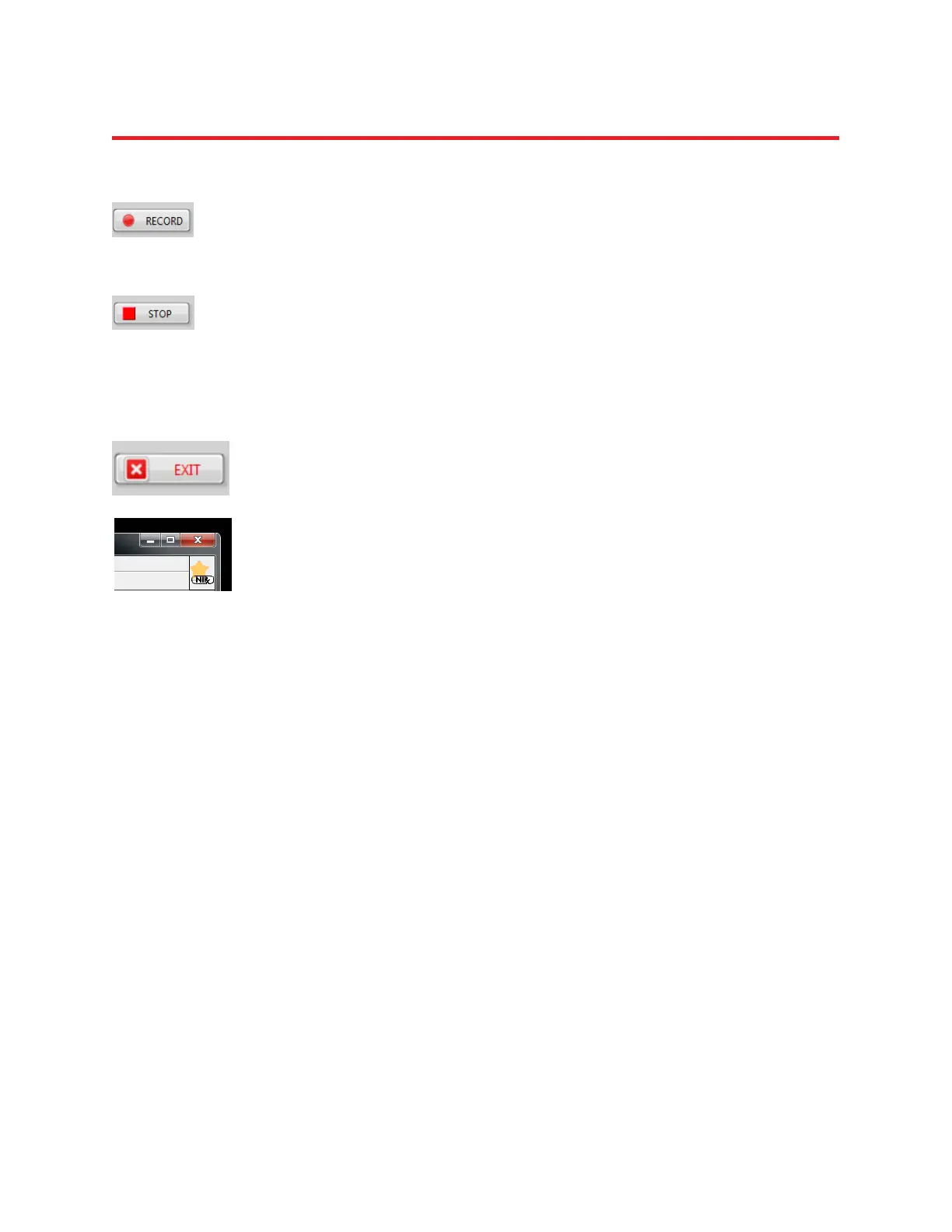
The measurement is initiated by pressing the RECORD button. Adjust viewing options as
desired.
14.7 Stop Scan (Measurement)
Use the STOP button to terminate the data recording.
14.8 Shut Down System
1. Close the software by clicking on the EXIT button
2. Close window if desired.
3. Turn off the imager using the main switch on the rear panel.
4. Disconnect the USB link if desired.
5. Shut down the PC if desired.



 To Next Page