Basic Concepts
Basic Concepts
26 27
3.6 Organization
All accessible items on the C15 instrument are organized into functional groups. Param-
eters are grouped according to their functional relations in the Sound Engine, Hardware
Sources and Macro Controls are grouped close to each other, and other items are
organized in menu structures.
The Hardware User Interface (consisting of Base and Panel Unit) provides quick access to
all parameters, which are packed in groups. However, not every parameter is accessible
by one click, as several parameters can be stacked behind one selection button.
In the Graphical User Interface, every parameter and every bank will be shown in the main
area. This requires physical space to represent all necessary information, which may not
be suiciently provided by the screen dimensions and resolutions of external devices. In
order to cope with these limitations, zooming is a crucial part of working with the Graphi-
cal User Interface, as dierent levels of detail emerge on dierent zoom levels.
3.7 The Undo Tree
The usual undo history of a program would be a list-like data structure. When an editing
action is tracked, it will be simply appended. If a certain number of edits was undone,
they will be lost when continuing with new editing actions.
However, the C15 undo history is realized as a tree-like data structure. All editing actions
will be tracked and new branches will emerge when continuing with new editing actions
(aer having undone a certain number of edits).
edit 1five editing steps:
undo three steps:
redo one step:
two new editing steps:
edit 2 edit 3 edit 4 edit 5
edit 1 edit 2 edit 3 edit 4 edit 5
edit 1 edit 2 edit 3 edit 4 edit 5
edit 1 edit 2 edit 3 edit 6 edit 7
edit 1five editing steps:
undo three steps:
redo one step:
two new editing steps:
edit 2 edit 3 edit 4 edit 5
edit 1 edit 2 edit 3 edit 4 edit 5
edit 1 edit 2 edit 3 edit 4 edit 5
edit 4 edit 5
edit 1 edit 2 edit 3
edit 6 edit 7
3.5 Presets
At any time, the current sound can be stored (and later recalled) as a preset. Presets are
organized in banks, so that every preset has a unique path (bank number/preset number).
There are some more aspects of a preset, which are explained in the following:
Preset Name
Each preset can have its own user-definable name. When storing a preset, a name will be
requested. However, the name of a preset can be changed later on.
Preset Number
The preset will have a certain position in the containing bank. Together with the bank
number, a unique number emerges for each preset and will be shown on each user inter-
face. For example, the unique number “1-001” refers to the first preset in the first bank.
Preset Info
Every preset holds a small collection of metadata, most of them being automatically
defined when storing. Besides the device name, the soware version and a time stamp,
there are elements to be defined by the user: The name of a preset can be edited, the
position in the bank can be set, a color tag can be associated and a comment text is
provided. In the comment text, sound descriptions or playing instructions can be placed.
In addition, the preset comment text will be evaluated when searching for presets with
certain keywords. This works especially well when keywords are defined as tags with the
hashtag symbol “#”.
Change Recognition
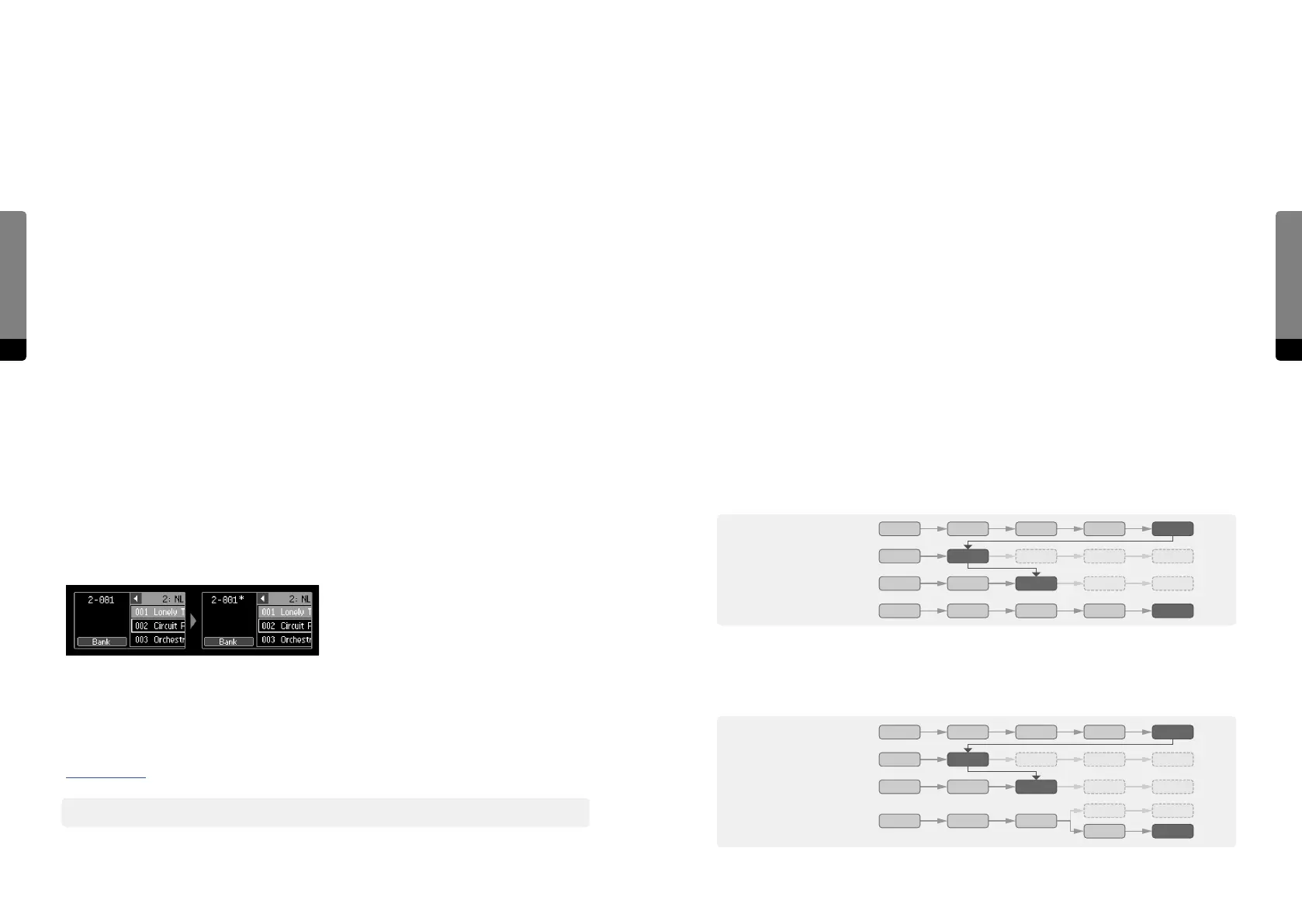
When changing a loaded preset, the system will recognize any change and indicate it
by a star symbol (“*”) behind the unique number. When storing a sound aer changes
occurred, it will be interpreted as a new preset by the system, unless the user forces
overwriting an existing preset.
More information about dealing with changes to loaded presets can be found in chapter
4.8 Overviews.
߰ Note that modulations, which will change parameters, are considered as a preset change.



 To Next Page