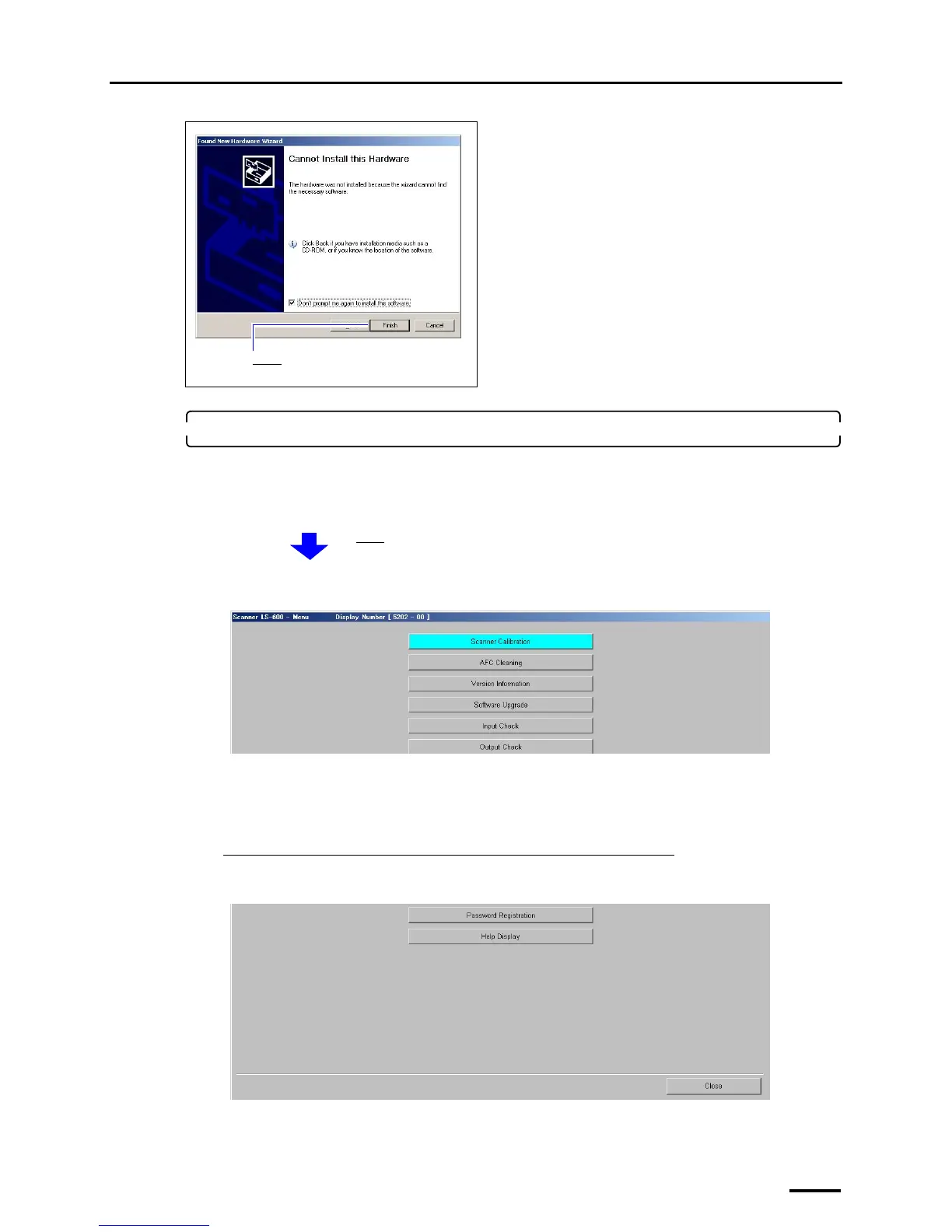
7 Connecting the power supply and setting the USB driver
53
3. Check whether each software was normally installed.
Access the Menu display.
Bringing up the display
On the Windows desktop display, click Start. → All Programs → Click LS-600 or LS-1100.
Example: Menu display
If the Menu display is shown, the installation was normally performed.
If the Menu display is not shown, the installation failed.
Follow the instructions explained in ☞10.1 If installing TWAIN driver or SYSTEM PROGRAM failed.
If connecting the scanner to the PC on which the controller is installed
Click Close to close the Menu display.
Example: Menu display
Click Finish.
The Menu display is shown.
S5202-00-UM02
S5202-00-UM02



 To Next Page