39
Appendix Communication - Software
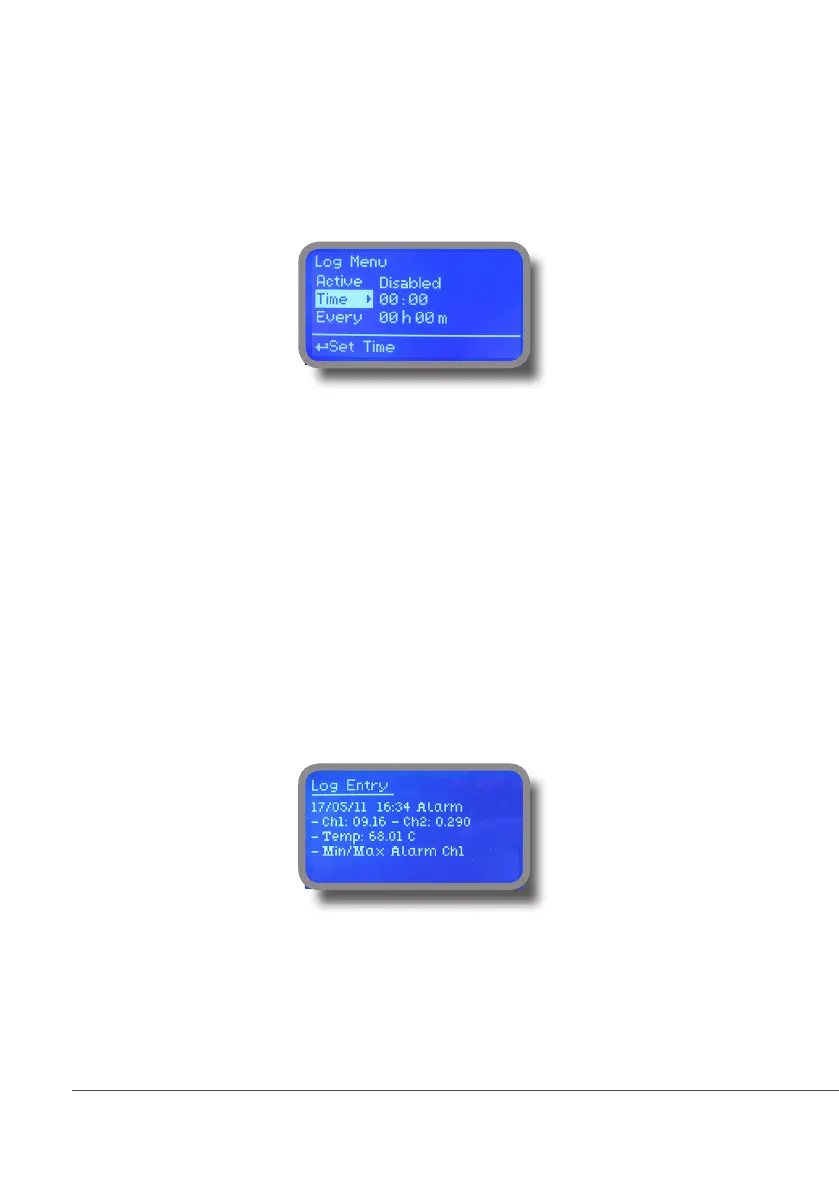
“LOG” menu.
This function records instrument acitvity (date, hour, temperature, uS, totalizer I/O, alarms, outputs). It starts for
selected frequency period (every) at requested time (time). SET DATE & TIME BEFORE TO ENABLE LOG. IF NOT
POWERED FOR ABOUT 30 DAYS THE INSTRUMENT WILL LOOSE DATE/TIME
Set ACTIVE to “enabled” to activate log recording.
TIME: recording start time (time format 23h e 59min)
EVERY: recording frequency (time format 23h e 59min)
Note: advanced log control (graph, printing, comparison tables, event ltering, etc) is available through “ERMES
Communication Software” for PC.
See “ERMES Communication Software” manual for proper PC software conguration.
“LOG VIEW” menu.
To see alarrm log entries as set on log menu choose “log view” on main menu.



 To Next Page