112 Chapter 10 Dialing Translation
P0919416 03
Deleting a Dialing
Translation
Table entry
You can delete an entry in the Dialing Translation Table at any time. To find the entry you want to
delete, refer to “Reviewing entries in the Dialing Translation Table” on page 110.
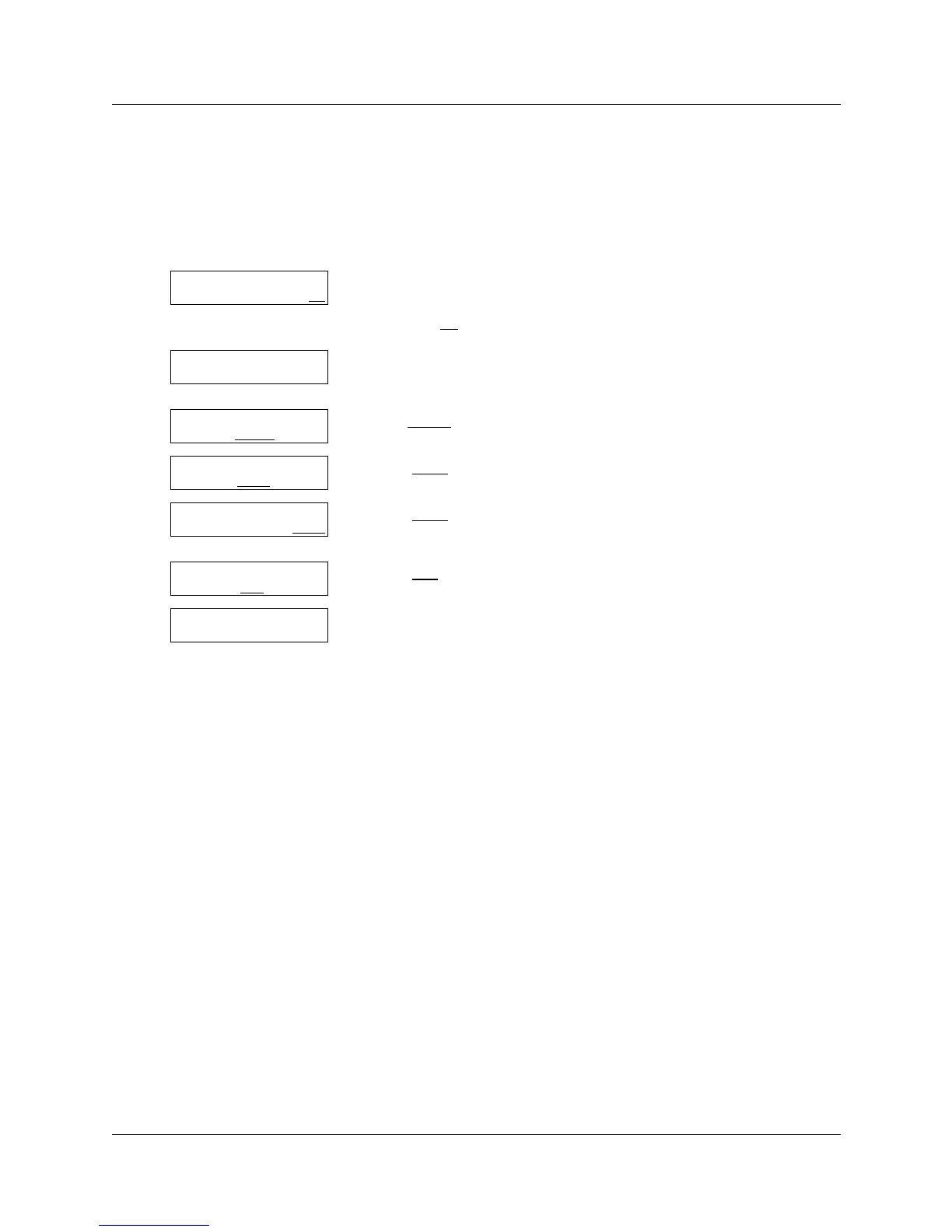
To delete an entry in the Dialing Translation Table
1 Press ≤·°‹.
Enter the System Administrator Mailbox number and password,
then press OK
.
2 Press °°.
This option does not appear as a display button option.
3 Press TABLE
.
4 Press CHNG
.
5 Press OTHR
.
Inval* outval* is an example of a Table entry.
6 Press DEL
.
7 This display appears briefly.
Repeat steps 6 and 7 for each entry you want to delete.
8 Press ® to end the session.
Log:
QUIT RETRY OK
Admin
MBOX AA OTHR
Dialing
PARM TABLE NEXT
Dial Table
ADD CHNG QUIT
Inval* outval*
NEXT OTHR
Inval* outval*
CHNG DEL
FIND
Deleted



 To Next Page