40 Chapter 4 Working with mailboxes
P0919416 03
Deleting a Group List
You can delete a Group List at any time. When you delete a Group List, the Group List number is
re-assigned by CallPilot the next time you add a Group List. Deleting a Group List does not delete
any mailboxes from the CallPilot system.
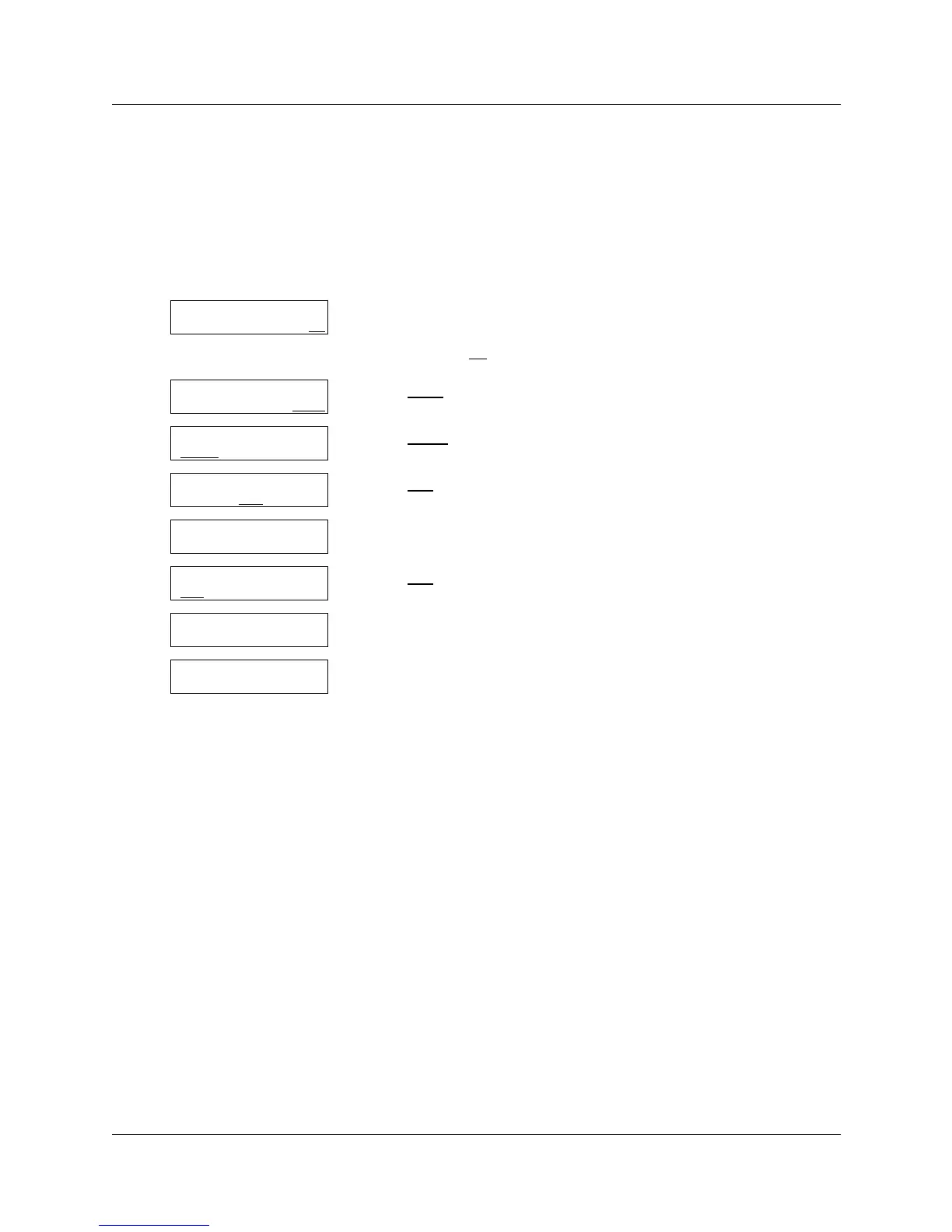
To delete a Group List
1 Press ≤·°‹.
Enter the System Administrator Mailbox number and password,
and then press OK
.
2 Press OTHR
.
3 Press GLIST
.
4 Press DEL
.
5 Enter the number of the Group List you want to delete.
6 Press DEL
.
7 This display appears briefly.
8 Press ® to end the session.
Log:
QUIT RETRY OK
Admin
MBOX AA OTHR
Admin
GLIST
CCR OTHR
Group List Admin
ADD DEL
CHNG
GList:
RETRY QUIT
<Group List Name>
DEL
QUIT
GList deleted
Group List Admin
ADD DEL CHNG



 To Next Page