76 Chapter 7 Working with CCR Trees
P0919416 03
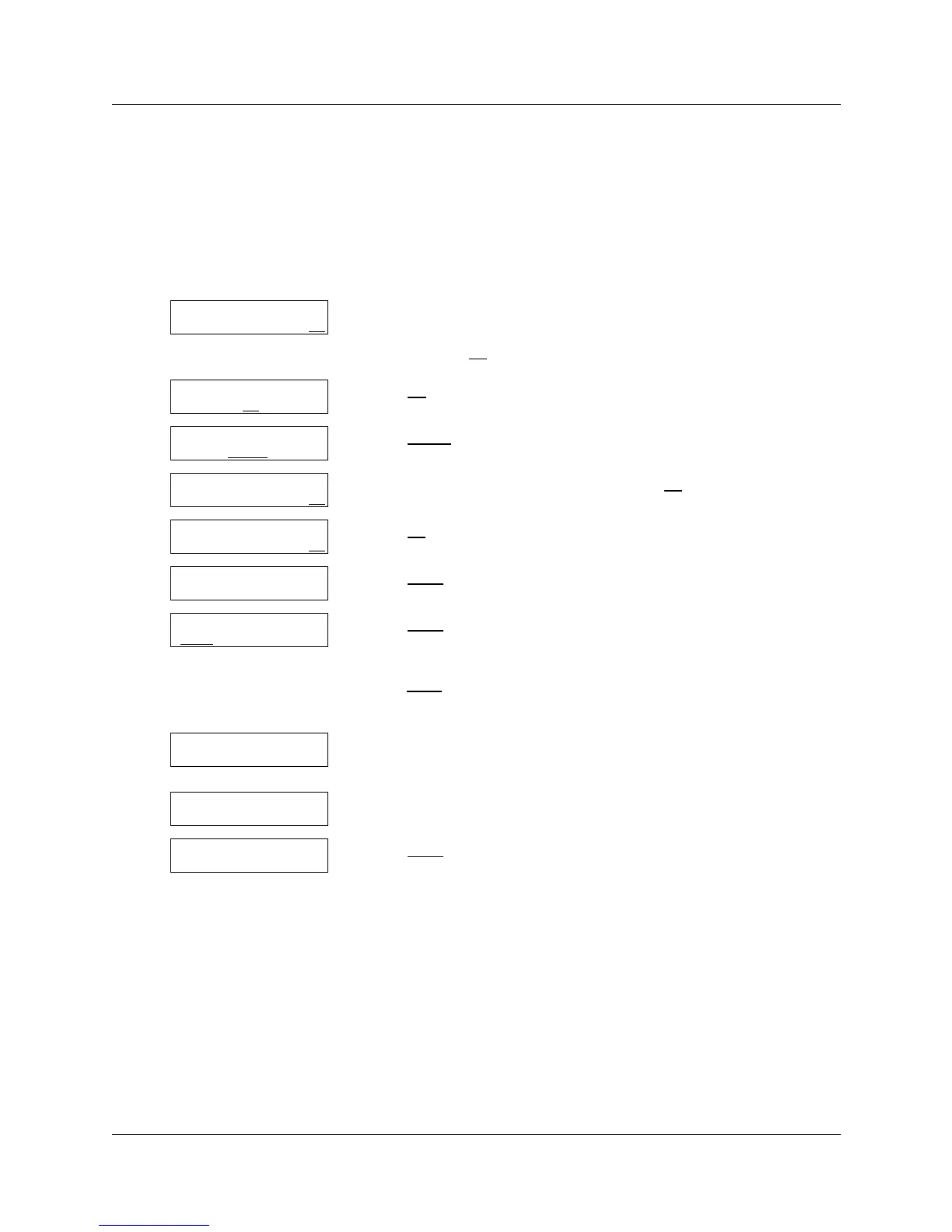
Assigning a CCR Tree to a Greeting Table
Before incoming callers can access a CCR Tree, you must assign lines to a Greeting Table.
For information about assigning lines to Greeting Tables, refer to “Configuring line answering” on
page 49.
To assign a CCR Tree to a Greeting Table
1 Press ≤·°‹.
Enter the System Administrator Mailbox number and password,
and then press OK
.
2 Press AA
.
3 Press TABLE
.
4 Enter the Greeting Table number and press OK
.
5 Press OK
.
6 Press NEXT
until you see this display.
7 Press CHNG
if you want to assign a CCR Tree to the Greeting Table
for the morning
or
press NEXT
if you do not want to assign a CCR Tree and go to step
11.
8 Enter the number of the CCR Tree that you want to assign to the
Greeting Table for the morning.
9 This display appears briefly.
10 Press NEXT
if you want to assign afternoon, evening and
non-business CCR Trees to the Greeting Table
or
press ® to end the session.
Log:
QUIT RETRY OK
Admin
MBOX AA
OTHR
Auto Atdt Admin
GRTG TABLE
LINES
Grtg table:
RETRY OK
AA menu prompt:Y
CHNG OK
Morn CCR tree: NO
CHNG OK
Morn CCR tree: NO
CHNG
NEXT
Morn CCR tree:
DISABLE
Tree enabled
Morn CCR tree: x
CHNG NEXT



 To Next Page