50 Chapter 5 Setting up the Automated Attendant
P0919416 03
Changing line configuration
You can view or change the answer status of any line that is added to CallPilot.
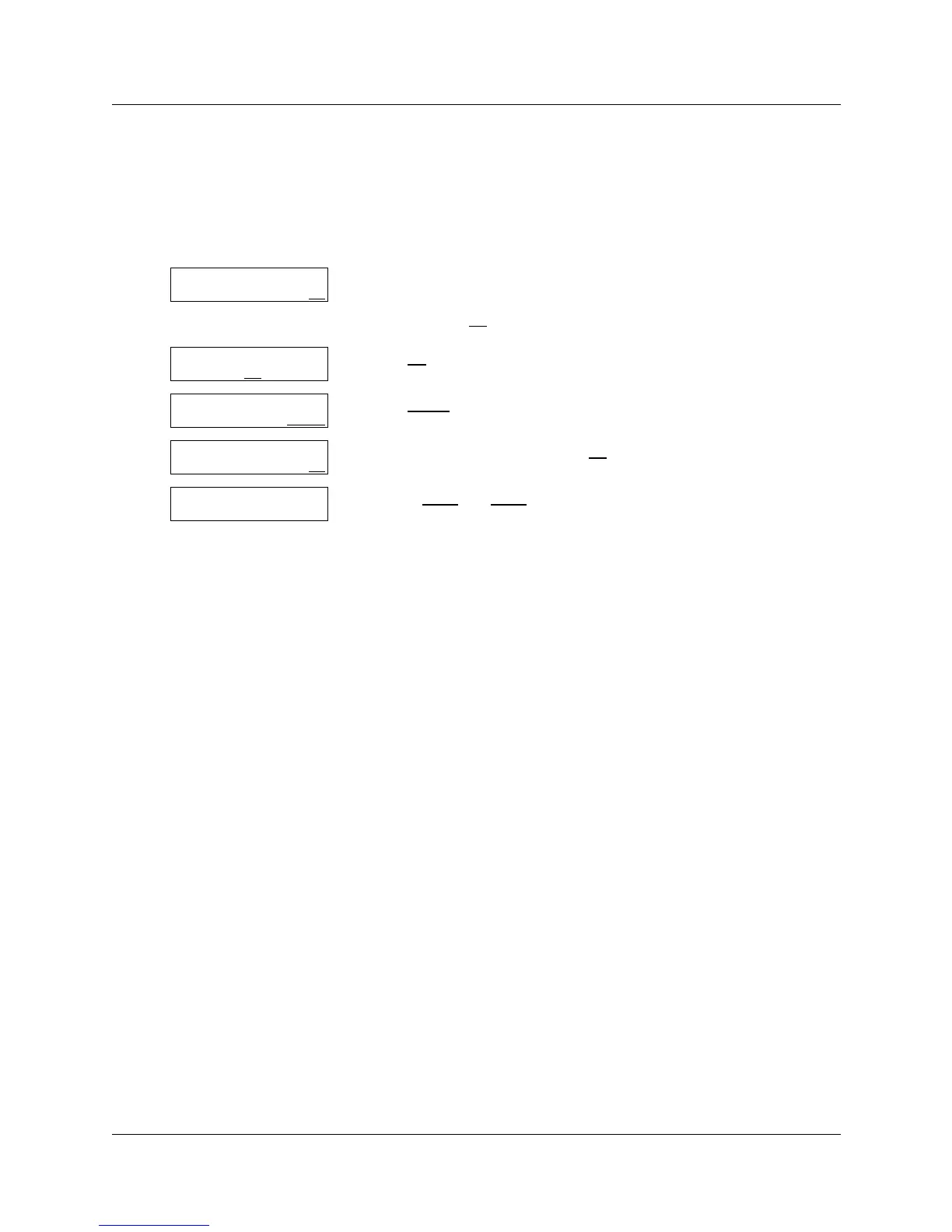
To change or view how a line is answered
1 Press ≤·°‹.
Enter the System Administrator Mailbox number and password,
and then press OK
.
2 Press AA
.
3 Press LINES
.
4 Enter the line number and press OK
.
5 Use the NEXT
and CHNG buttons to view the assigned lines or change
the answer status.
You can press • to return to step 4 and select a line number
without having to go through the entire list.
6 When you are finished viewing and changing lines
press ® to end the session.
Log:
QUIT RETRY OK
Admin
MBOX AA
OTHR
Auto Atdt Admin
GRTG TABLE LINES
Line number:
RETRY OK
Line:1 Ans: N
CHNG TABLE NEXT



 To Next Page