89
CallPilot 150 Telephone Administration Guide
Chapter 9
CallPilot operations
You must reset the CallPilot system if you:
• change the type of phone system you use
• change the extension number length
About resetting CallPilot
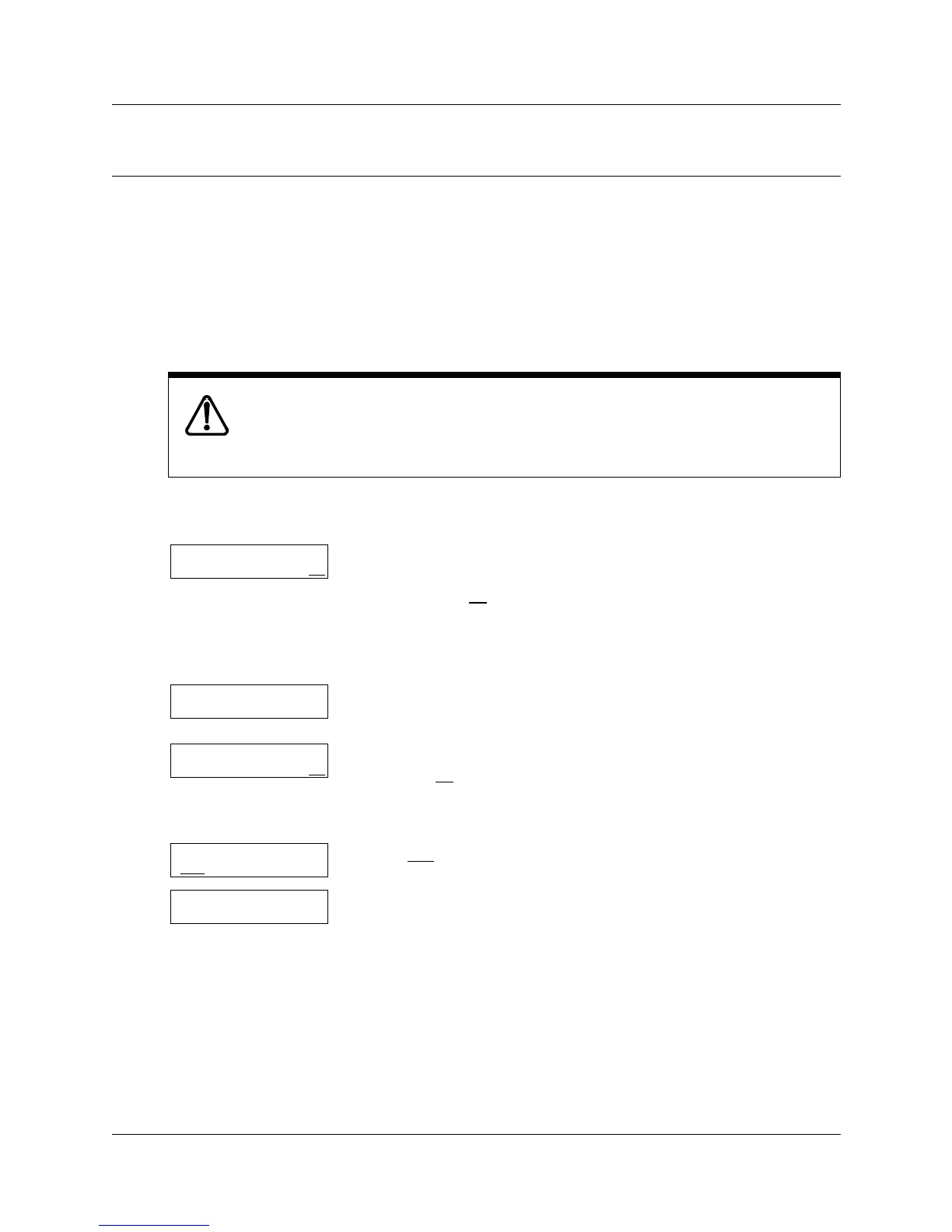
To reset CallPilot
Warning:
Resetting CallPilot erases all Company Greetings, Greeting Tables and mailbox
information, including mailbox messages. After you reset CallPilot you must
immediately initialize CallPilot.
1 Press ≤·°‹.
Enter the System Administrator Mailbox number and password,
and then press OK
.
If you reset CallPilot before you do the initial setup, enter the default
password 0000.
2 Press ⁄.
This option does not appear as a display button option.
3 Enter ‡‹›fl‡°¤fifi (Reinstall)
and press OK
.
To keep your system secure, keep this password secret.
4 Press YES
.
5 As CallPilot resets the display shows: Resetting …
6 After the system reboots, the display shows the time and date.
The CallPilot system takes approximately three minutes to reboot.
Log:
QUIT RETRY OK
Admin
MBOX AA OTHR
Pswd:
RETRY OK
Reset database?
YES NO
Resetting...



 To Next Page