78 Chapter 7 Working with CCR Trees
P0919416 03
Deleting a CCR Tree
You must disable a CCR Tree before you delete it. For information about disabling a Tree, refer to
“Disabling a CCR Tree” on page 77.
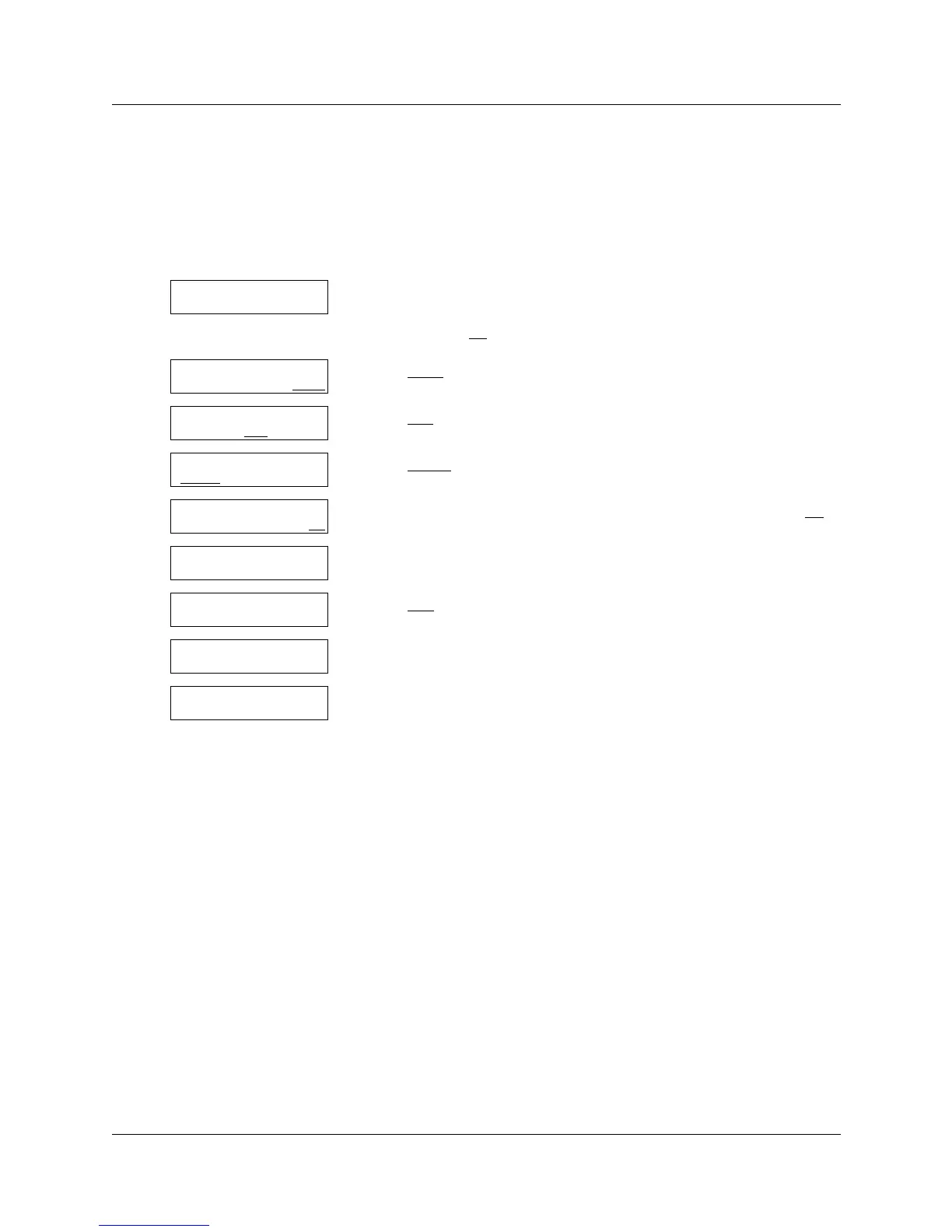
To delete a Tree
1 Press ≤·°‹.
Enter the System Administrator Mailbox number and password,
and then press OK
.
2 Press OTHR
.
3 Press CCR
.
4 Press ADMIN
.
5 Enter the number of the CCR Tree you want to delete and press OK
.
6 Press °.
7 Press YES
.
8 This display appears briefly.
9 Press ® to end the session.
Log:
QUIT RETRY OK
Admin
MBOX AA OTHR
Admin
GLIST CCR OTHR
CCR Admin
ADMIN
CCR tree:
RETRY OK
Tree: x
CHNG QUIT
Delete tree x?
YES NO
Tree deleted
CCR Admin
ADMIN



 To Next Page